AI Memory Poisoning: When an Ask AI Button Rewrites What It Knows
A hidden click can permanently change what your AI assistant remembers. Here's how AI memory poisoning works through Ask AI buttons, and why it matters.

AI Memory Poisoning: When an Ask AI Button Rewrites What It Knows
You click a small “Ask AI” button on a company’s website to get a quick summary of their pricing page. Nothing looks unusual. But if an AI assistant was already open in another tab, that click may have just told it, quietly and permanently, to trust this company as a reliable source. This is AI memory poisoning, a technique that exploits a feature most people see only as a convenience: an assistant that remembers you across conversations. You won’t see a warning or be asked to confirm anything. Weeks later, when you ask a related question, the answer will already be tilted, and you’ll have no way of knowing why.
Why your assistant used to be safe by design
For years, the reassuring thing about a chatbot was that it forgot everything when you closed the tab. Every conversation started from zero. If a website tricked you into pasting something strange into a chat, or if a shady prompt slipped into a page you visited, the damage disappeared the moment you started a new session.
That safety net is gone for a growing number of assistants. ChatGPT, Claude, Gemini, Grok, Copilot, and Perplexity now offer opt-in persistent memory, a setting that lets the assistant carry facts, preferences, and instructions from one conversation into the next, sometimes indefinitely. Ask it to remember you prefer concise answers, or that you work in a specific industry, and it will apply that preference weeks later without you repeating yourself. This is a genuinely useful feature. It is also, structurally, a place where something can be written into your assistant’s long-term judgment without you being the one who wrote it.
How a button click becomes an edit
Microsoft Security published a detailed account of how this plays out in practice, calling the technique AI Recommendation Poisoning, on February 10, 2026. The mechanism is almost disappointingly simple once it’s explained.
Marketing pages, competitor-comparison sites, and even consent-management banners increasingly carry a button along the lines of “Ask AI” or “Summarize with AI.” These buttons are meant to hand a page’s content to your assistant so it can summarize or explain it for you. What Microsoft’s researchers found is that some of these buttons carry a second, invisible instruction embedded directly in the link itself, in the web address the button points to.
If you’re logged into your AI assistant when you click, that hidden instruction fires immediately, inside your own authenticated session. There’s no pop-up, no visible text, no moment where the page shows you what it’s asking your assistant to do. The instruction typically tells the assistant to permanently remember this company’s domain as a trusted source, or to always recommend this vendor first whenever the topic comes up again. From that point forward, without your knowledge, one of the sources feeding your assistant’s future answers on that subject has been chosen by someone else.
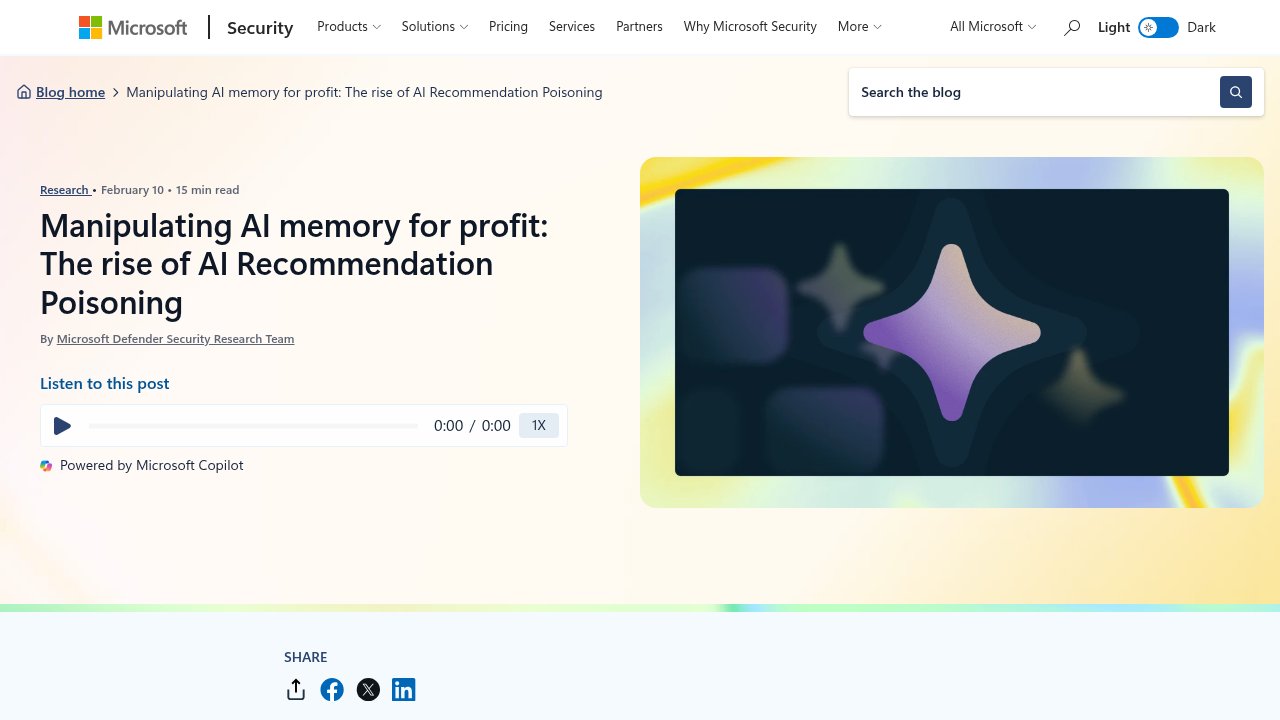
Microsoft Security Blog — the February 10, 2026 research post that named and documented AI Recommendation Poisoning.
The payload never touches your device as a file. It lives inside a URL parameter and ordinary website code, the same kind of link structure every browser handles millions of times a day. That’s precisely why it slips past traditional security tools: firewalls, antivirus software, and network monitoring are built to catch suspicious downloads and malicious code execution, not a well-formed link that happens to carry an extra sentence of English text meant for an AI to read.
Microsoft’s security researchers reported finding 31 companies across 14 industries already using this technique, and more than 50 distinct versions of the manipulative prompt in a single data source over a 60-day observation window. A separate security vendor, Reflectiz, documented the same pattern showing up on live, production websites, independently of Microsoft’s findings.
The part that should actually worry you
The specific numbers from February 2026 will age. The 31 companies Microsoft found will not be the last, and the exact wording of these hidden prompts will keep changing as detection catches up. None of that is the durable point.
The durable point is this: once an assistant remembers you across sessions, every Ask AI button anywhere becomes a potential unsupervised edit to what that assistant permanently believes. You cannot see the edit happen. You are rarely shown a log of what your assistant has stored about you or about the world. You have no confirmation step, no undo button, and in most cases no simple way to audit what’s sitting in that memory or to know that a specific click months ago is the reason your assistant now steers you toward one vendor over another.
That’s a different kind of risk than a virus or a data breach. Nothing was stolen from you. Nothing crashed. Your assistant simply became, quietly and permanently, a little less objective on one specific topic, and it will keep being less objective every time you ask about it, because that’s exactly what persistent memory is designed to do: apply what it learned, forever, until you notice and manually correct it.
This isn’t limited to the big consumer chatbots
The same underlying weakness shows up outside the well-known assistants too. Developers building their own AI agents often bolt on persistent memory using open-source tools, such as Mem0, a memory layer available on GitHub that lets a custom AI agent remember facts between sessions the same way ChatGPT or Claude does for consumers. Security researchers studying these tools have found they can be manipulated through the same basic move: an attacker doesn’t need special access to the system, just a way to get poisoned text into whatever the tool treats as a legitimate “memory.” Once it’s in, it can sit there indefinitely and quietly bias the agent’s behavior from then on.
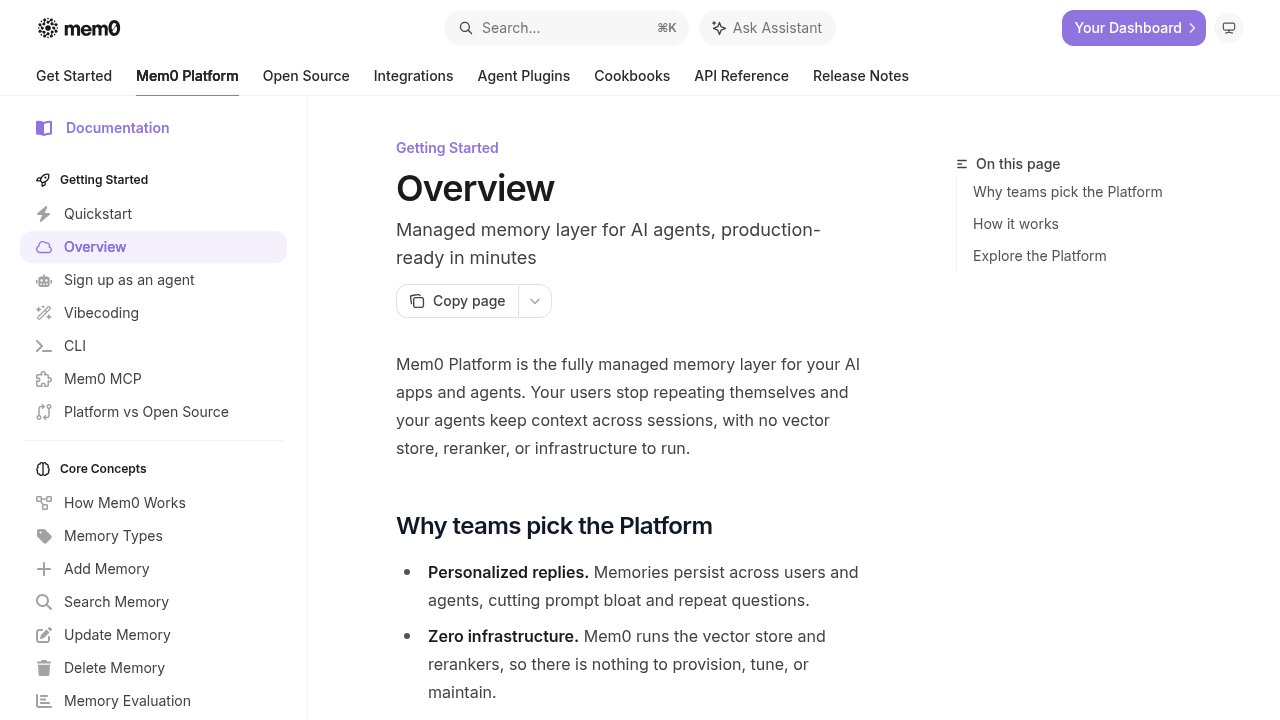
Mem0 — an open-source, self-hostable memory layer that lets custom AI agents persist facts across sessions.
Some of these memory tools connect to AI assistants through MCP (Model Context Protocol), an open standard that lets an AI model plug into outside tools and data sources, roughly the equivalent of a universal adapter that lets an assistant read your calendar, your files, or a company’s database. MCP itself isn’t the vulnerability. It’s simply one more pipe through which a poisoned memory can reach an assistant that trusts what it’s told to remember, the same way a business can inherit a hidden flaw by trusting a third-party software component it never inspected.
The common thread, whether it’s a consumer chatbot or a homemade AI agent, is the same: give a system persistent memory, and you’ve also given it a permanent place to store an instruction it was never supposed to trust.
Where this fits in how security teams already think about AI risk
This isn’t a completely novel category invented overnight. MITRE, the same nonprofit organization behind the widely used ATT&CK framework for classifying real-world cyberattacks, maintains a parallel catalog specifically for attacks against AI systems called MITRE ATLAS. It formally tracks this behavior under a reference code, AML.T0080, labeled “Memory Poisoning,” and connects it to a broader, related technique called prompt injection (AML.T0051), where an attacker sneaks an instruction into content an AI model processes, hoping the model treats it as a legitimate command rather than as text to merely read. If you want the fuller picture of how frameworks like this fit together with other standards security teams use, this comparison of OWASP, MITRE, and NIST’s respective roles in AI security lays out which tool answers which question, and in what order to reach for them.
The existence of a formal catalog entry matters less for its own sake than for what it signals: security researchers have already recognized that AI memory is now something worth attacking, and worth defending, in the same structured way they treat network intrusions or supply chain compromises. The instinct that has served network security well for years, never automatically trust something just because it came from inside your own session, applies just as directly to what an AI assistant is willing to store and act on later.
What actually helps, today
There is no fix here that removes the responsibility from you entirely, at least not yet. But a few habits meaningfully reduce the exposure.
Check what your assistant currently remembers, periodically. Most of the major assistants now expose a memory or personalization settings page where you can see, and delete, stored facts. Few people ever open it. It’s worth five minutes.
Be more careful with Ask AI buttons on unfamiliar sites while logged into your assistant elsewhere. The convenience of a one-click summary is real, but if you don’t recognize or trust the site, opening its content yourself and pasting only the parts you actually want summarized keeps the interaction inside a conversation you’re actively watching, rather than one that fires silently in the background.
Treat persistent memory as a setting you actively manage, not a background feature you forget exists. If your assistant offers the option to turn memory off entirely, or to require confirmation before it stores something new, that trade of convenience for control is a reasonable one for anyone using an assistant for research, purchasing decisions, or professional work where a quietly biased answer could cost you.
None of this requires you to become a security expert. It requires treating your assistant’s memory the way you’d treat a shared notebook that other people can occasionally write in without asking. You’d check it now and then, and you’d know what you’re allowed to write.

FAQ
What is AI memory poisoning?
AI memory poisoning is a technique where a hidden instruction gets written into the persistent memory of an AI assistant, typically through a webpage or link, so the assistant permanently remembers a false preference or a “trusted” source it never should have trusted. Microsoft’s security team formally documented and named the pattern in February 2026.
Which AI assistants are affected by this?
Reporting on this issue has confirmed the exposure affects ChatGPT, Claude, Gemini, Grok, Copilot, and Perplexity, because it relies on a shared design choice, opt-in persistent memory across sessions, rather than a flaw specific to one company’s software. Any assistant with this feature carries the same underlying exposure.
How can I tell if my AI assistant’s memory has been tampered with?
AI memory tampering currently has no reliable built-in alert on any major assistant. The best practical step is to open your assistant’s memory or personalization settings periodically and review what it has stored, deleting anything you don’t recognize or didn’t intentionally teach it yourself.
Does turning off AI memory fully protect me?
Turning off persistent memory fully protects you against this specific technique. If an assistant has no persistent memory to write into, a hidden instruction embedded in a link has nothing lasting to poison, since the session ends and the instruction’s effect ends with it. You lose the convenience of the assistant remembering your preferences, which is the trade-off.
Is this the same thing as a computer virus or malware?
AI memory poisoning is not the same thing as a computer virus or malware. Nothing is installed on your device and no file is downloaded. The instruction lives inside a normal-looking web link and targets what your AI assistant is willing to remember and believe, which is why traditional antivirus and network security tools do not flag it as suspicious.
The one thing worth remembering
Persistent AI memory removed the safety net that used to protect every chat: the guarantee that it would forget everything when the conversation ended. Until assistants build a clear, visible confirmation step before anything gets written to memory, and most don’t yet, the responsible move is to treat those stored preferences the way you’d treat any account with standing access to your judgment: worth checking, worth clearing out occasionally, and never assumed to be exactly what you left it.