LSASS Credential Dumping Still Slips Past EDR. Here's Why.
LSASS credential dumping can slip past EDR because the extraction happens offline, outside monitoring's view. One Windows setting actually closes that gap.
LSASS credential dumping can slip past EDR software in a scenario like the following: a full set of Windows login credentials pulled from a monitored laptop, without the monitoring software necessarily raising an alarm. Not because the tool doing the pulling was hidden. Because it looked completely legitimate, right up until the actual theft happened somewhere the monitoring software could never see.
This is not a story about a specific vendor’s product failing. It is a story about a structural gap in how a whole category of security software works, and about one Windows setting that closes that gap for real, rather than adding one more thing to watch for.
What LSASS actually holds, and why attackers want it
LSASS (Local Security Authority Subsystem Service) is a background process that runs on every Windows machine. Its job is authentication: every time you log into Windows, LSASS is the process that checks your password, issues session tickets, and keeps a working copy of your credential material in memory for as long as you’re logged in. That “working copy” is the prize. Depending on how a machine is configured, LSASS memory can contain password hashes (scrambled, one-way versions of your password used to prove identity without sending the plaintext), Kerberos tickets (temporary access passes issued after a successful login), and in some older, misconfigured setups, even reversibly-encrypted plaintext passwords.
Stealing that memory and mining it for credentials is common enough that MITRE ATT&CK, the widely used public catalog that security teams and researchers use to name and track real-world attacker techniques, gives it its own entry: T1003.001, “OS Credential Dumping: LSASS Memory”. The catalog even names well-known tools associated with the pattern. The best-documented version of this technique, dumping LSASS through Windows Task Manager or a tool called ProcDump, is old news; most modern endpoint security products watch for exactly that and shut it down in real time.
The version that matters here is quieter.
What an EDR actually watches, and where it stops watching
EDR stands for endpoint detection and response: software installed on a laptop or server that watches what’s happening on that machine in real time and flags behavior that looks like an attack, a process trying to read another process’s memory, a login tool being tampered with, a known hacking utility launching. It is genuinely useful, and most organizations run one.
But an EDR’s visibility has a boundary, and that boundary is the machine it’s installed on. Real-time endpoint monitoring only sees what happens on the monitored machine itself and nothing that happens after data leaves it. This is the structural limit the scenario illustrates. Instead of running a well-known credential-stealing tool that would trip every EDR signature, the attacker used a legitimate, digitally signed memory-forensics tool, one built for incident responders and forensic investigators, not for attackers, to take a complete, raw copy of the machine’s memory. To an EDR watching process behavior, that looks exactly like what it is: a signed tool doing the same kind of memory capture a forensic analyst runs routinely during an investigation.
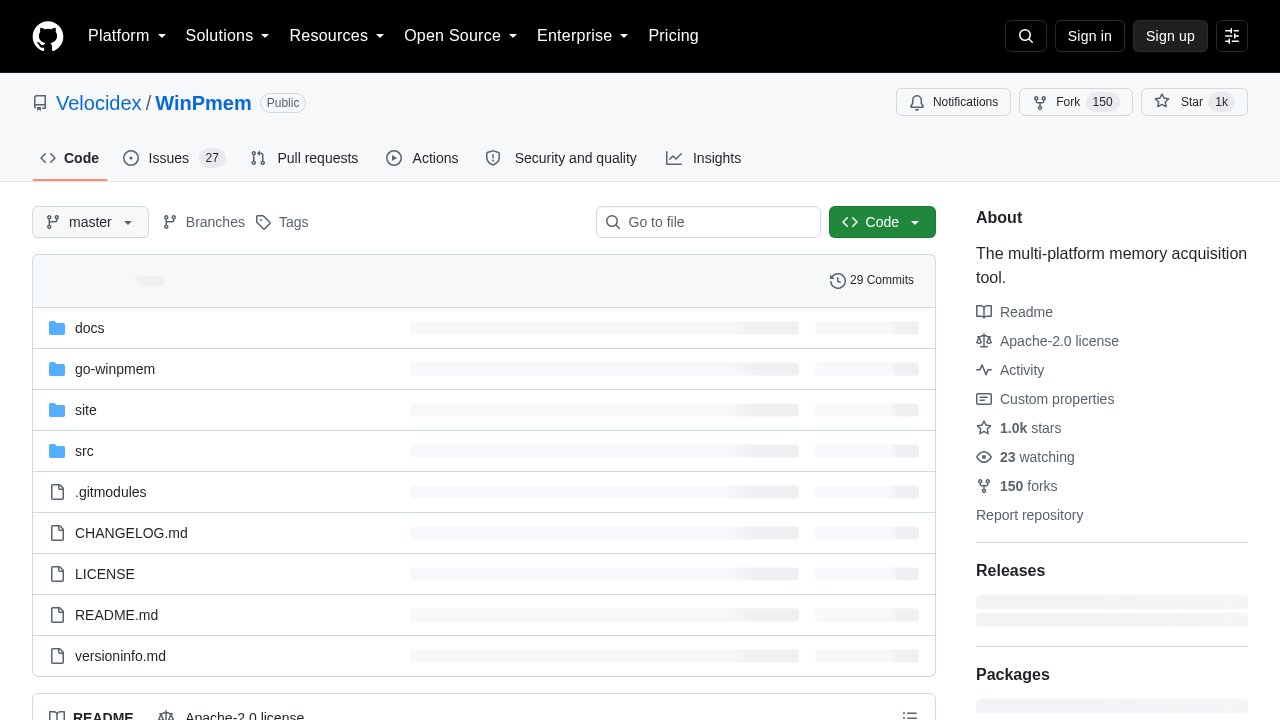 WinPmem — the open-source, digitally signed memory-acquisition driver behind this class of technique.
A raw memory dump like that is not, by itself, readable as a list of passwords. It is billions of bytes with no map. The attacker copies that raw file off the machine, over to a system they fully control, and only there does the real extraction happen. A tool built for exactly this purpose reconstructs the operating system’s internal bookkeeping (the data structures the kernel, the deepest layer of Windows that manages memory and processes, uses to track every running program and its data) from the raw bytes, effectively rebuilding a live-looking picture of the machine from a dead snapshot. One well-known open-source tool for this reconstruction step, MemProcFS, was built by independent security researcher Ulf Frisk; it mounts the memory dump as if it were a folder of files, letting an investigator, or an attacker, browse reconstructed processes and pull out credential material with a separate extraction tool, such as Mimikatz, built by security researcher Benjamin Delpy.
None of that second half happens on the monitored machine. The credential extraction step is offline, on hardware the EDR has never been installed on and never will be. By the time anything resembling a stolen password exists, the EDR’s job is already finished, and it finished cleanly, because the extraction, the part that matters, happened somewhere it was never designed to watch.
Why the memory-capture tools look clean to security software
The tools that make this split possible are not hacking software in disguise. WinPmem, an open-source memory-capture tool, began inside the Rekall memory-forensics project and is now maintained as its own open-source project under the Velocidex/WinPmem banner. It ships with a signed driver (the project notes that unsigned builds will not load without test-signing mode), which is precisely what lets it load and run on 64-bit Windows without the attacker needing to weaken the operating system’s security settings first. That signature is the whole point: it’s what makes a full memory capture look like routine, legitimate forensic activity instead of malware, both to a human glancing at a process list and to security software scoring behavior for risk.
This is worth sitting with for a moment. The tools involved in this technique aren’t exploiting a bug. They’re doing exactly what they were built to do, for exactly the audience they were built for, incident responders who need to capture memory without tipping off an attacker already on the machine. An attacker borrowing that same legitimacy is not tricking the EDR with clever evasion. They’re using a tool the EDR has no good reason to distrust.
The fix is architectural, not another alert rule
Security vendors could, in theory, respond by writing a new detection rule for this specific pattern, flag any large raw memory read followed by external transfer, and for a while that might catch this exact technique. But that’s chasing a symptom. The underlying limitation doesn’t go away: as long as credential material sits in ordinary process memory that a signed, legitimate tool can copy wholesale, someone will find a variation that slips past whatever rule gets written this year.
Microsoft’s own answer to this is not a detection rule at all. It’s Credential Guard, a feature that changes where credential material physically lives rather than trying to spot when someone’s stealing it. Credential Guard uses virtualization-based security (VBS), a hardware-backed technique that carves out an isolated, walled-off compartment of memory, sealed off from the rest of the operating system, including from LSASS itself. Windows’s authentication process still runs as normal and still hands out login tokens, but the actual secret material it needs to do that work is kept inside this sealed compartment instead. A memory dump of the rest of the machine, however complete and however cleanly captured, simply does not include what’s inside that compartment. It isn’t hidden from the dump. It was never part of the machine the dump could see in the first place.
That is a genuinely different kind of defense than anything an EDR offers. It doesn’t ask software to correctly guess, in real time, whether a given signed tool doing a given memory read is an investigator or an attacker. It removes the thing being stolen from the place attackers know how to look.
The one setting worth checking, and its real limits
Here is the part that needs precision rather than a confident headline. According to Microsoft’s own documentation, Credential Guard turns on by default starting with Windows 11 version 22H2 and Windows Server 2025, but Microsoft’s wording differs between the two, so check the conditions for your exact case. On Windows Server 2025, default enablement does require the machine to be domain-joined and not a domain controller itself, on top of meeting the hardware requirements for virtualization-based security. On Windows 11, Microsoft’s overview describes default enablement for “domain-joined, non-DC systems that meet hardware requirements”, yet its Windows 11 condition list does not repeat the domain requirement; the condition that is unambiguous is the Windows edition. Microsoft’s own requirements table lists Credential Guard as supported only on Windows 11 Enterprise and Education (Pro is not licensed for it, although Microsoft notes that a Pro device which previously ran Credential Guard, for example an Enterprise machine later downgraded to Pro, may have it enabled automatically), plus meeting the VBS hardware requirements and not having been explicitly disabled beforehand. In practice this still leaves most personal laptops unprotected, just not for the reason a domain-joined framing would suggest: they ship with Windows 11 Home or Pro.
There’s a second wrinkle worth knowing even for machines that do qualify. This default enablement turns Credential Guard on without what’s called a UEFI lock, a firmware-level setting that would prevent anyone, including a local administrator, from switching the feature back off remotely. Without that lock, an IT administrator (or, in principle, an attacker who’s already gained administrative control) can still disable it. And if Credential Guard had been explicitly turned off on a machine before it was updated to 22H2 or later, that update does not silently turn it back on. Default-on is a real, meaningful default; it is not an unremovable guarantee.
This is where the reader’s actual stake sits: not every “protected by default” claim carries the same weight, and this one is worth understanding precisely rather than taking on faith. The distinction between a detection tool that has to keep guessing correctly forever, and an architectural control that removes the target from the field, is exactly the kind of trade-off worth asking your own organization’s IT team about. It’s the same underlying principle behind zero-trust network design, which starts from the assumption that no device or user should be implicitly trusted just because it’s inside the network perimeter; Credential Guard applies a similar logic at the level of a single machine’s memory.
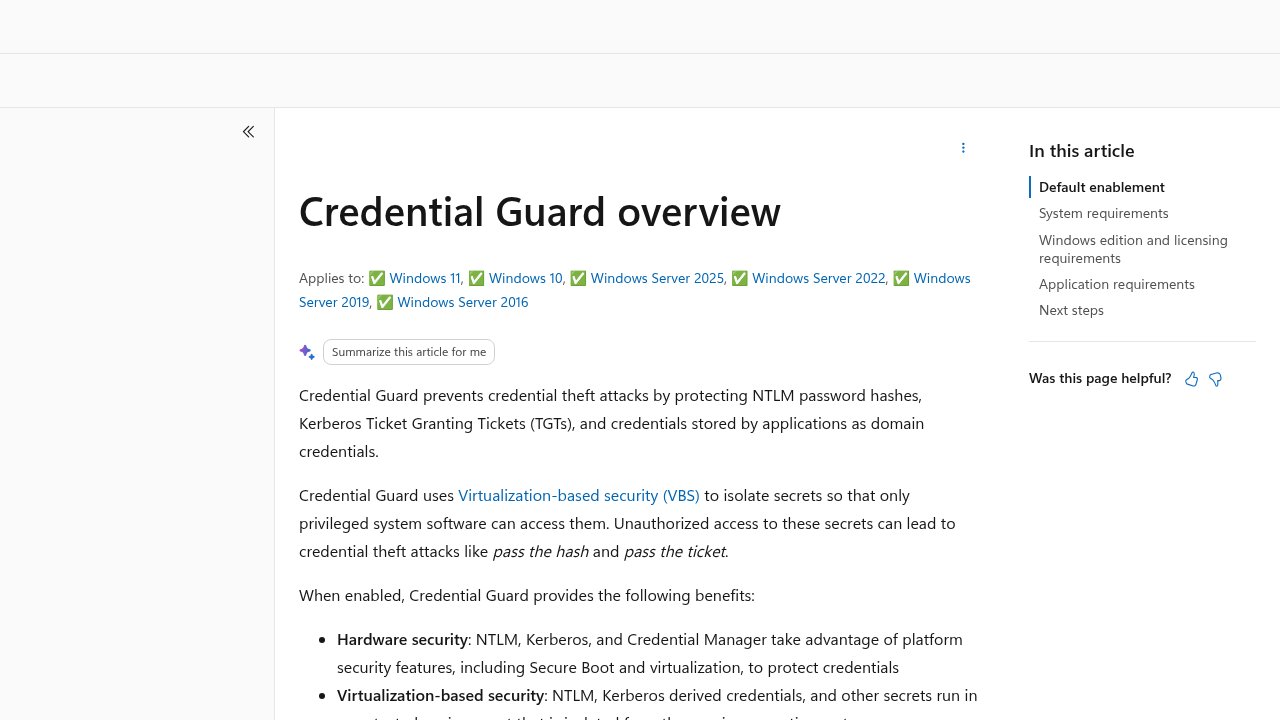 Credential Guard — Microsoft’s own documentation on the virtualization-based feature that isolates credential material from memory dumps.
How to check whether Credential Guard is actually on
If you manage a Windows machine, or you’re curious whether the one you use every day has this protection, you don’t need special tools to find out.
On Windows 10 or 11, open the Start menu and type System Information, then open the app of the same name. In the System Summary view, look near the bottom of the list for a line called “Virtualization-based Security Services Running.” If Credential Guard is listed there, it’s active. If the line is empty or doesn’t mention Credential Guard, it isn’t.
There’s a second, more direct check for anyone comfortable typing a single command. Open PowerShell (search “PowerShell” in the Start menu, right-click, “Run as administrator”) and run:
Get-CimInstance -ClassName Win32_DeviceGuard -Namespace root\Microsoft\Windows\DeviceGuard | Select-Object -ExpandProperty SecurityServicesRunningA result that includes the value 1 means Credential Guard is running. An empty or missing result means it isn’t.
For anyone managing more than a handful of machines, this is genuinely worth checking rather than assuming. A fleet of Windows 11 Enterprise or Education machines on version 22H2 or later, running hardware-compliant with VBS, should have this on by default, but “should” and “does” aren’t the same thing once a device has been reimaged, migrated from an older Windows version, or had the setting manually reversed by a well-meaning technician years ago for compatibility reasons.
Frequently asked questions
Does having an EDR installed mean LSASS credential dumping can’t happen to me?
An EDR installed on a machine does not make LSASS credential dumping impossible; it makes the loud, well-known version of the technique easy to catch. The quieter version, a legitimately signed memory-capture tool followed by offline extraction elsewhere, may not trigger some behavior-based detections, because the capture step resembles routine forensic activity and the extraction happens elsewhere.
Is Credential Guard the same thing as an antivirus or EDR feature?
Credential Guard is not an antivirus or EDR feature; it’s a Windows operating system capability that isolates credential material inside a hardware-backed, walled-off compartment of memory. It works alongside endpoint security software rather than replacing it, and it protects a specific category of secret rather than detecting attacker behavior generally.
Will turning on Credential Guard slow down or break my computer?
Turning on Credential Guard on hardware that meets Microsoft’s requirements generally has minimal, often unnoticeable, performance impact for typical use. The more common issue is compatibility: some older third-party drivers or specialized software, particularly certain VPN clients, virtualization tools, or games with kernel-level anti-cheat systems, can conflict with the underlying virtualization-based security and may need updating.
If my Windows 11 PC is new, can I assume Credential Guard is already protecting me?
A new Windows 11 PC is not automatically protected unless it’s on version 22H2 or later, running the Enterprise or Education edition, and its hardware supports virtualization-based security. Microsoft’s documentation states domain membership explicitly for Windows Server 2025 and less clearly for Windows 11, but a personal laptop bought for home use typically fails anyway because it ships with Windows 11 Home or Pro, neither of which is licensed for Credential Guard (Pro only in specific carry-over cases), and needs the edition changed before the feature can be turned on at all.
Does this affect Mac or Linux machines the same way?
This specific technique and this specific fix are Windows-specific, since LSASS and Credential Guard are both Windows components with no direct equivalent on macOS or Linux. Other operating systems handle credential storage differently and carry their own distinct set of memory-protection trade-offs, which is a separate discussion.