The AI Agent That Hunts Down Bloated JavaScript Bundles
Next.js 16.4 ships an agent skill that traces import chains to find JavaScript that loads when it shouldn't. Here's the bug it's built to catch.

A developer wraps a heavy component in lazy(), the standard React trick for telling the browser “only load this when it’s actually needed.” The build succeeds, the code looks correct, and the component still loads on every single page visit anyway. Nothing in the source code looks broken. Bugs like this survive code review for years, and that is the starting point for understanding what AI agent JavaScript bundle size work can realistically achieve, as opposed to what gets claimed about it.
Next.js, the popular React framework maintained by Vercel, described this exact trap in a blog post published October 28, 2026, written by Next.js team member Will Binns-Smith. The post introduces a new feature in Next.js 16.4, but the more durable story is what it reveals about why this class of bug exists at all, and why it is so hard to catch by just reading code.
The lazy() trap that fools a careful reader
A module bundler is the build tool that takes all the separate JavaScript files in a web project and packs them into one or more files the browser actually downloads, called bundles. The whole point of keeping those bundles small is speed: every extra kilobyte is code the visitor’s browser has to download, parse, and run before the page feels responsive.
lazy() is React’s way of telling the bundler to split a component into its own chunk and only fetch that chunk when it is rendered, instead of bundling it with everything else upfront. It is a well-known, non-exotic technique, and most developers use it correctly most of the time.
Here is the part that is easy to miss. According to the Next.js team’s post, a component wrapped in lazy() still loads eagerly if any other module in the same bundle statically imports that same target directly. The lazy() call only controls how that one reference behaves. It does nothing about a second, ordinary import statement sitting somewhere else in the codebase that pulls in the exact same component the normal way. The bundler sees two different instructions for the same piece of code, one deferred and one immediate, and the immediate one wins. The component ships on every page load, silently, while the source code reads as if it was handled correctly.
Finding that second import requires tracing the actual module graph, the full map of which file imports which other file, across potentially hundreds of files. Reading the component’s own file tells you nothing. The problem lives in a different file entirely, one that may have been written months earlier by someone else for an unrelated reason.

What Vercel built to trace that graph automatically
This is the problem the new feature in Next.js 16.4 is aimed at. It is called next-bundle-optimizer, and it is worth being precise about what it actually is, because the framing matters more than the name suggests.
It is not a standalone product, a new AI model, or a hosted service. It is what Vercel calls an agent skill: a small script, installed with a command like npx skills add vercel/next.js --skill next-bundle-optimizer, that gives instructions and data access to an existing AI coding agent, such as Claude Code or another tool built to the same “skills” standard. The skill itself does not think. It hands the agent a structured map of the project’s module graph, exported as JSON data by a command called next analyze export, and tells the agent how to query it.
That export only exists because of Turbopack, the Rust-based bundler that has been the default in Next.js since version 16 (Webpack, the older bundler, is not supported here). Turbopack already tracks the full import graph internally to do its job; this feature exposes that data so an agent can read it.
Once the agent has the graph, the method described in the post is a known technique from graph theory, not a new invention. First it looks for the Louvain method, an algorithm for finding clusters of modules that import each other heavily, the kind of tightly-knit group that tends to end up bundled together whether that is intended or not. Then, within those clusters, it computes a minimum cut: the smallest possible set of import connections that, if removed, would separate a chunk of rarely-needed code from the chunk that loads immediately on every visit. That small set of connections is exactly where a lazy() boundary, or a similar fix, should go.
Beyond the lazy() trap, the Next.js team’s post says the same skill can also flag logic that should move to React Server Components (code that runs on the server and never needs to ship to the browser at all), duplicate copies of the same dependency bundled more than once, and code that was not properly tree-shaken, meaning dead code the bundler failed to strip out even though nothing in the app actually uses it.
By default, running the skill produces a report and a proposed fix, nothing more. A follow-up command, /next-bundle-optimizer fix, applies the change, reruns the analysis, and compares the before-and-after snapshots to confirm the fix actually worked. According to the post, the agent can open a pull request for each individual fix, so a human still reviews and approves the change before it ships.
The numbers Vercel reports from its own products
Vercel’s post includes figures from running this approach on two of its own products, v0 (Vercel’s AI app-building platform) and vercel.com (the company’s own dashboard). These are the company’s own self-reported figures, not independently audited numbers, and they should be read as an illustration of the scale of savings involved rather than a universal benchmark.
On v0, the team found an experimental code editor component that was loading on nearly every page even though most visitors never touched it; fixing that saved roughly 150 KB on most pages. A centralized registry of dialog boxes was eagerly loading several heavy dialogs it did not need yet, saving anywhere from 40 to 650 KB depending on the specific page. An unused component for viewing execution traces, reachable from most routes but rarely opened, accounted for another 7 to 61 KB depending on the page.
On vercel.com, markdown rendering, code syntax highlighting, and chart-drawing code built for a feature called “Vercel Agent” was shipping even when that feature’s panel was closed, saving 255 KB on the dashboard page once fixed. A library for parsing natural-language dates was loading before any assistant interaction happened at all, saving 55 KB on average. A shared URL-parsing utility turned out to also drag in the company’s entire observability query engine as an unintended side effect, a fix worth 125 KB on the deployments page.
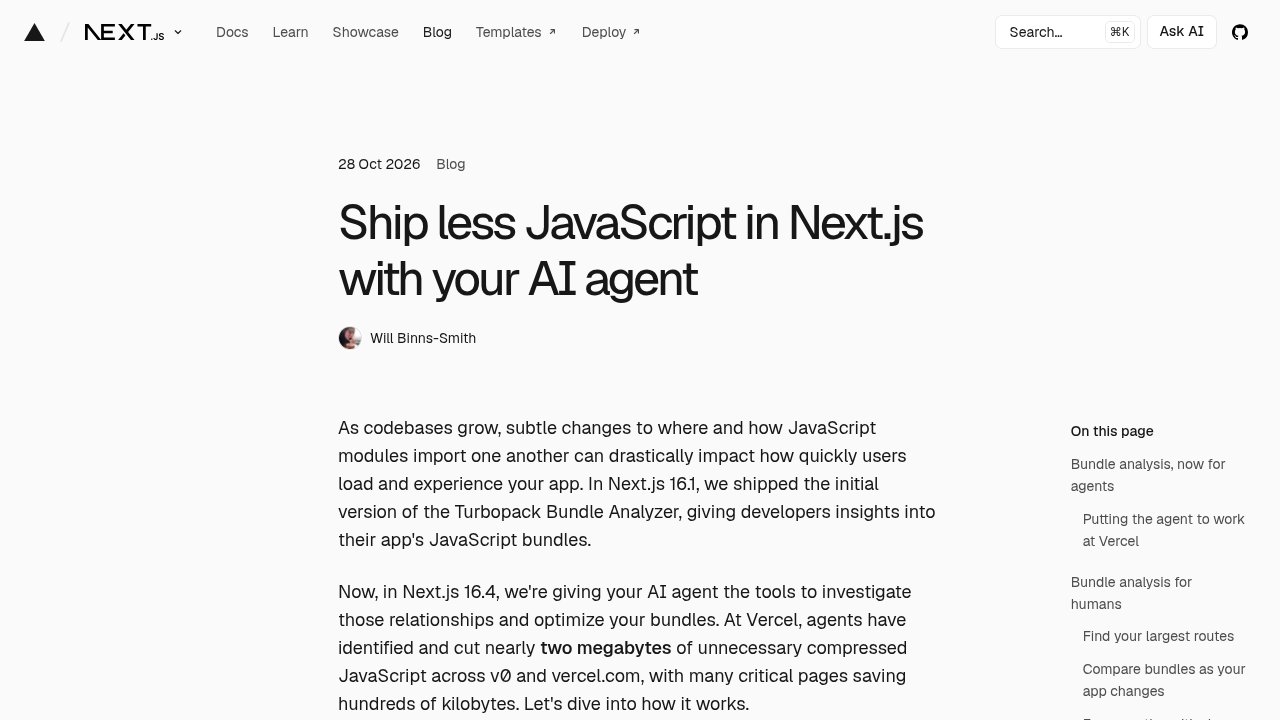 Next.js — the Vercel blog post announcing next-bundle-optimizer and its bundle-size savings.
Added together, Vercel says the cumulative total across both products comes to nearly 2 MB of compressed JavaScript removed. None of that code was dead. All of it did something real somewhere in the app. It was simply wired into the wrong box, loading for every visitor instead of only the ones who needed it.
The same release also improved the human-facing side of this story. The Bundle Analyzer, the visual tool for inspecting a Next.js app’s JavaScript output that first shipped in Next.js 16.1, gained a homepage ranking a project’s largest routes, the ability to compare two analysis snapshots side by side, and a filter that separates synchronous code (which blocks the page from becoming interactive) from asynchronous code (which can load in the background). That tool and the new agent skill read the exact same underlying data. One is built for a person scanning a chart, the other for an agent walking the graph programmatically.
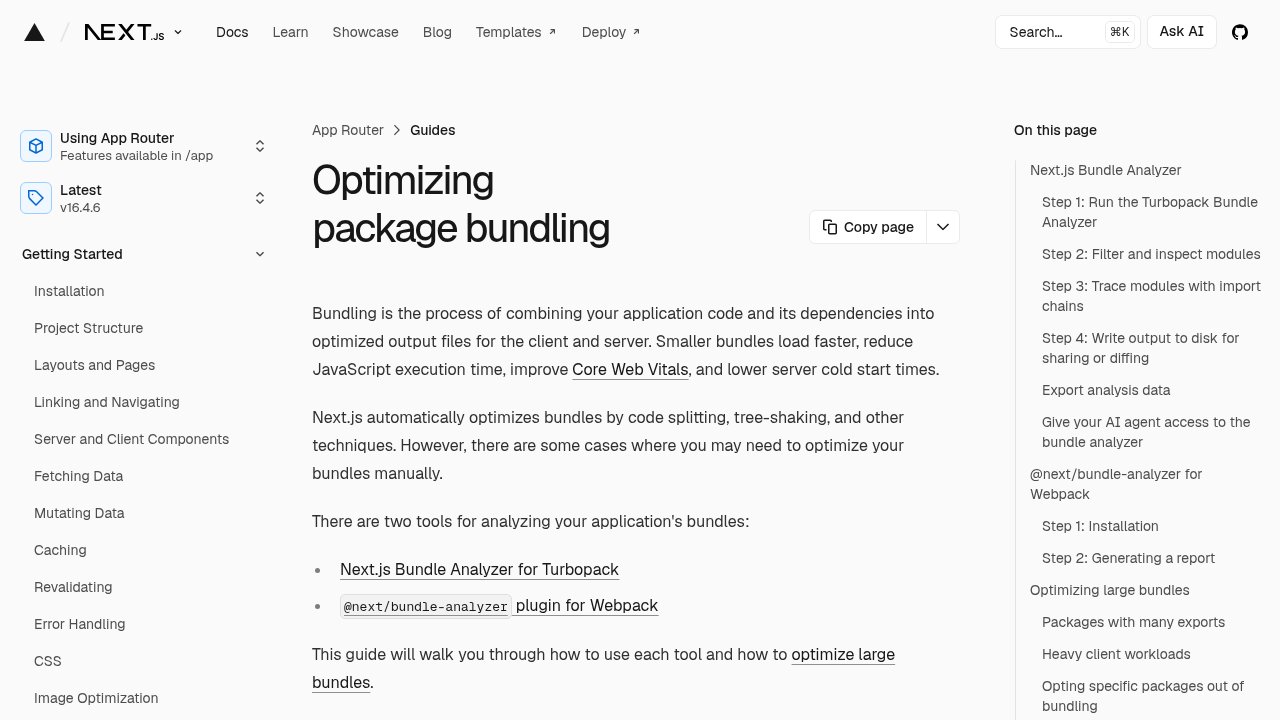 Next.js — the Bundle Analyzer documentation, the human-facing tool reading the same module graph as the agent skill.
Does the agent find anything a developer with the chart couldn’t
This is the question worth sitting with, because the honest answer from Vercel’s own post is more modest than the headline feature suggests. The agent does not detect anything the Bundle Analyzer’s human-facing chart could not theoretically reveal. Both tools are reading the same module graph that Turbopack already builds. The chart shows a developer where the weight is; the agent’s job is to walk every import chain inside that weight and compute the specific cut point where a fix should go.
A developer staring at the Bundle Analyzer can absolutely spot that a route is too heavy. What that developer often cannot do, realistically, inside a normal workday, is trace fifty or a hundred import statements by hand across a large codebase to find the one stray import that defeats a lazy() call three directories away. That is mechanical, exhausting, easy-to-miss work, and it is exactly the sort of task that benefits from being automated rather than reasoned about creatively. The skill does not replace judgment about what the app should do. It replaces the tedious part of confirming how the code actually behaves.
That distinction is the real takeaway buried under the product announcement. Coding agents get used for two very different kinds of work. One is writing new features, which involves judgment calls about design, naming, and intent, and where an agent’s output still needs real scrutiny. The other is finding and fixing a known class of existing inefficiency through mechanical, repeatable analysis, which is closer to what a linter or a static analysis tool does, just with enough context to also propose and test the fix. The bundle-tracing skill sits firmly in the second category. That is a meaningfully different trust level than asking an agent to write a new feature from a prompt, and that is worth keeping in mind when deciding how much to lean on either one.

FAQ
What is next-bundle-optimizer?
next-bundle-optimizer is an agent skill shipped with Next.js 16.4, not a standalone tool. It gives an AI coding agent, such as Claude Code, structured access to a Next.js project’s module graph so the agent can trace import chains and propose where to split code that loads earlier than it needs to.
Does this feature work with Webpack instead of Turbopack?
No. The skill depends on data exported by Turbopack, the default bundler in Next.js since version 16, and does not work with Webpack. A project needs to be running on Turbopack for the module graph export that the skill reads to exist in the first place.
Why does a lazy() component sometimes still load immediately?
A component wrapped in lazy() still loads right away if any other file in the same part of the app imports that same component directly, outside the lazy() call. The bundler follows both instructions, and the direct import wins, so the deferred loading never actually happens.
Did Vercel verify these bundle-size savings independently?
No. The savings figures, including the near 2 MB total across v0 and vercel.com, come from Vercel’s own blog post about its own products, not from an independent audit. They illustrate the scale of this kind of bug rather than serving as a verified industry benchmark.
Is this the same as the Next.js Bundle Analyzer?
No. The Bundle Analyzer is a visual tool for humans to inspect a project’s JavaScript output, introduced in Next.js 16.1 and expanded in 16.4. The agent skill reads the same underlying module graph but is built for an AI agent to query and act on programmatically, not for a person to browse.