AI Bot Traffic Is Now a Hosting Cost Problem, Not Just SEO
AI crawlers are showing up in server logs at scale. The real risk isn't total traffic, it's which endpoints they hit, and why that decides your hosting bill.

If you run a website, some of your visitors have never been human, and that has always been true: search engines have crawled the web for decades without anyone panicking about the bill. What changed is who is knocking now and where they knock. Site owners are starting to notice AI bot traffic showing up as a real line item in their hosting bill, and the reason is not really about volume. It’s about which pages get hit, because a crawler that reads your static blog post costs almost nothing, while the same crawler hammering your shopping cart can quietly become the most expensive traffic on your site.
That distinction is the whole story. Total request counts make for a dramatic headline, but they tell you almost nothing about what you’ll actually pay. Two sites can receive the exact same number of AI crawler visits and end up with wildly different hosting bills, purely because of which URLs those crawlers happened to land on. The same logic already shapes decisions in how teams choose local AI hardware instead of renting cloud capacity: the cost is never in the traffic itself, it’s in what that traffic forces the machine to actually compute.
Why the same crawler can be free on one page and costly on another
A crawler is simply an automated program that requests pages one after another, the same category of software that lets Google index the web. When a crawler requests a normal article page, most hosting setups serve it from a cache, a stored copy of the finished page kept ready so the server doesn’t have to rebuild it from scratch every time. Serving a cached page costs a fraction of a cent in computing time. It’s the digital equivalent of handing out a photocopy.
An endpoint, on the other hand, is a specific address on your site that triggers real work on the server rather than returning a stored file. A shopping cart, a checkout page, a login form, a search box, a page that calculates shipping costs: these are all endpoints that typically cannot be cached, because the answer is different for every visitor and every session. Serving one of these requests means running database queries, checking inventory, sometimes opening a temporary session that has to be tracked and eventually cleaned up. That can cost tens or hundreds of times more server resource than a cached page, per single request.
This is the mechanism behind the cost spikes hosting companies have started reporting. A crawler that only ever touches your published articles is functionally identical, cost-wise, to a search engine crawler that’s been indexing the web for twenty years. A crawler that repeatedly hits your cart or checkout logic is doing something genuinely different, because every one of those requests forces the server to do work it can’t skip or pre-compute.
What actually happened, and why one hosting company’s numbers need a caveat
Kinsta, a web hosting company, published figures describing what its infrastructure was seeing from AI crawlers, and the numbers are specific enough to be worth naming, with one important caveat attached every time: Kinsta sells an anti-bot control panel feature that it launched on June 9, 2026, so its own data comes from a vendor with a direct commercial interest in making AI crawler traffic sound like a bigger problem than it might be for any individual site. That doesn’t make the underlying figures false, but it means they should be read as a single company’s account of what it observed, not as an independent industry measurement.
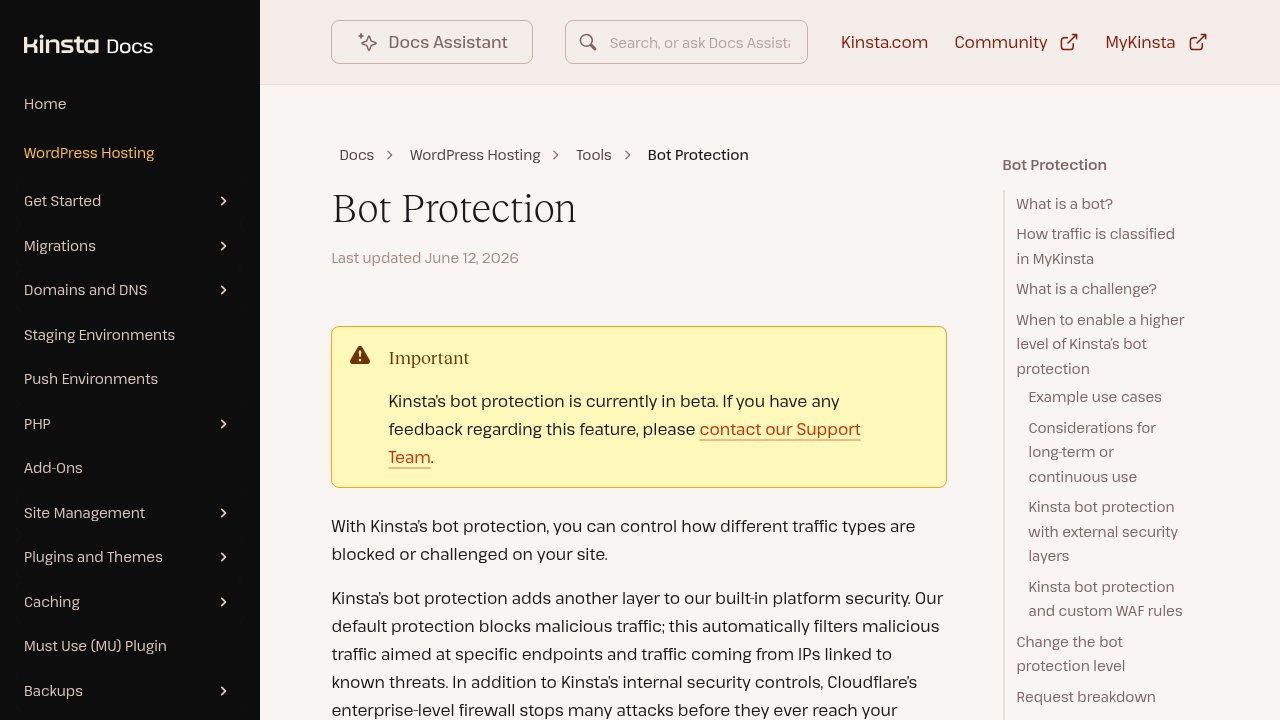 Kinsta — the bot-protection panel it sells alongside the AI crawler figures it publishes.
With that framing in place, two of Kinsta’s reported cases are worth understanding precisely because they’re specific, not because they’re typical. On one site it hosts, ClaudeBot, the web crawler operated by Anthropic, generated 3.75 million requests to a shopping cart page in a 24-hour period, according to figures Kinsta published and that were also relayed by the trade outlet ppc.land. On a different site, Kinsta described a crawler that got stuck in what it called a loop, a crawling pattern that kept returning to pages that link back to each other, generating roughly 550 million requests over 30 days. Both are single named incidents on specific sites, not a statistical norm you should expect to see on your own site. A crawler behaving like that on a cart endpoint is a real cost worth designing around, but it is not evidence that AI bots typically do this.
To Kinsta’s credit, its own leadership has been transparent about the limits of the commercial angle: the company’s chief technology officer said, when Kinsta rolled out bandwidth-based pricing in November 2025, that Kinsta does not charge customers for the bandwidth AI crawlers consume, and does not block any traffic by default at the platform level. In other words, the anti-bot feature it sells is a control the site owner switches on deliberately, not a metered service billed by crawler traffic. That’s a meaningfully different posture than a host quietly profiting from the problem it’s warning you about, and it’s still worth remembering, every time a Kinsta figure comes up, that the company is describing a problem it also sells a fix for.
The one number that comes from a neutral source, and what it actually shows
Separate from Kinsta’s cases, there’s a figure worth trusting more, because it comes from a source with no anti-bot product to sell. Cloudflare Radar, the network analytics arm of the infrastructure company Cloudflare, which sees aggregated traffic across millions of websites, documented that overall crawler traffic grew 18% between May 2024 and May 2025, and that within that growth, GPTBot, OpenAI’s crawler, grew 305% over the same period, compared to 96% growth for Google’s own crawler. Over the full 2025 calendar year, Cloudflare’s own Radar data put Googlebot at more than 28% of verified bot traffic, GPTBot at about 7.5%, and Bingbot at 6%; ClaudeBot’s crawl volume roughly doubled in the first half of the year before declining in the second half, though Cloudflare didn’t publish a comparable full-year share for it.
 Cloudflare Radar — aggregated crawler-traffic data across millions of sites, with no anti-bot product to sell.
That growth rate is durable in a way a single company’s cart-traffic anecdote isn’t: it describes a genuine shift in who is crawling the web, verified across a huge sample with no incentive to inflate it. What it does not tell you is whether any of that growth is hitting your specific expensive endpoints. A crawler can grow 305% in volume and still cost you nothing if it only ever touches cached pages. The Cloudflare figure explains why AI crawlers are now a meaningful share of traffic; it does not, by itself, explain why some site owners are seeing hosting bill spikes. That second part comes down to endpoint exposure, not crawler popularity.
Some general press coverage has gone further and claimed that automated bot traffic, AI-related or not, now exceeds human traffic across the web as a whole. That claim comes from industry reports and press analysis, not from Kinsta’s measurements or from Cloudflare Radar’s crawler-specific figures cited above, and it’s worth treating as a broad, disputed estimate rather than a settled fact, since bot traffic in those reports includes everything from search indexing to fraud attempts to monitoring tools, a much wider category than AI crawlers alone.
Two separate problems wearing the same complaint
The practical mistake most site owners make is treating AI crawlers as one decision: block them, or don’t. That framing collapses two genuinely different problems into one, and the wrong answer to each looks like the right answer to the other.
The first problem is general bot automation abuse: aggressive scraping, credential-stuffing attempts, scalping bots, or a crawler, AI-related or not, that gets caught in a loop hitting the same set of pages over and over, the pattern behind Kinsta’s 550-million-request case. This is a rate and access-control problem. The fix is limiting how fast any single automated client can request pages, and keeping expensive, non-cacheable endpoints like checkout and account pages away from anything that doesn’t need to reach them. A tool like Kinsta’s new dashboard toggle, or the equivalent feature on most modern hosts, addresses exactly this: rules by path, so a crawler can be slowed down or turned away from a cart or checkout address specifically without touching the rest of the site.
The second problem is AI training and citation crawling: whether you want a company’s model to be able to read your content at all, for training or for answering questions with a citation back to you. This is a policy and visibility problem, not a cost problem, and it’s controlled through a completely different, much older mechanism: robots.txt, a plain text file every site can publish that tells named crawlers which parts of the site they may or may not visit. Blocking GPTBot in robots.txt because you don’t want OpenAI training on your content is a legitimate, considered choice. But it does nothing to stop a different, misbehaving crawler from looping on your cart endpoint, because not every automated client respects the file, and the file was never designed as a rate limiter in the first place.
Confusing the two leads to bad decisions in both directions: site owners who block every AI crawler by user-agent, a label a crawler sends identifying itself, losing legitimate citation traffic and referral value, while leaving the actual expensive endpoints wide open to anything that ignores the block. Or the opposite: site owners who lock down rate limits everywhere, including on cached pages that were never a cost risk, while never touching the training-and-citation question they actually cared about.

FAQ
What is the AI bot traffic hosting cost problem, exactly?
The pattern behind it is AI companies’ web crawlers, like GPTBot or ClaudeBot, generating enough requests to a site’s dynamic pages such as a cart, checkout, or search page to noticeably raise server load and hosting costs, even though the same crawler visiting static, cached pages costs almost nothing. The cost comes from which pages get hit, not from the crawler’s existence.
Should I just block all AI crawlers in robots.txt?
Blocking every AI crawler in robots.txt, the text file that tells automated visitors which pages they may access, is a valid choice if your priority is keeping your content out of AI training data. It does not solve a cost or performance problem, because not all automated traffic respects that file, and it won’t stop a misbehaving crawler that’s already looping on an expensive endpoint.
Is ClaudeBot or GPTBot worse for hosting costs than the other?
Neither crawler is inherently worse for hosting costs than the other. The reported cost spikes, including a documented case of ClaudeBot generating 3.75 million cart-page requests in 24 hours on one hosting company’s infrastructure, are tied to which endpoints a given crawler happened to hit on a specific site, not to any consistent difference in behavior between OpenAI’s and Anthropic’s crawlers.
How do I know if AI crawlers are costing me money on my own site?
Checking for this on your own site starts with your server access logs: look for requests from known AI crawler user-agents, such as GPTBot or ClaudeBot, and see which URLs they’re hitting most. If they’re mostly reaching cached, static pages, the cost impact is minimal. If they’re repeatedly hitting cart, checkout, search, or login endpoints, that traffic is doing real, billable work on your server.
Does a hosting plan’s anti-bot feature actually save money?
A hosting anti-bot feature that lets you set path-specific rules, blocking or rate-limiting crawlers on expensive endpoints while leaving cached pages untouched, can meaningfully reduce server load if your dynamic endpoints were genuinely being hit hard. It saves little to nothing if the crawlers reaching your site were only ever touching cached pages, which is why identifying the exposed endpoints matters more than the feature itself.
The takeaway
The question worth asking isn’t whether to allow or block AI crawlers, it’s which specific pages on your site do real computational work and whether anything, human or automated, is hitting them at a rate your server wasn’t built for. Fix that endpoint exposure with rate limits and path rules, and handle the separate question of AI training consent through robots.txt on its own terms, without expecting one tool to answer both.