Your AWS Lambda Bill: Why the Cheapest Setting Isn't the Smallest
AWS Lambda cost optimization, explained plainly: where a pay-per-use cloud bill comes from, and why giving your code more power can make it cost less.
A cloud bill for this kind of service is easy to ignore until it isn’t. You pay only when your code actually runs, fractions of a cent at a time, so for a while the total stays small enough that nobody looks. Then traffic grows, a few habits pile up, and the monthly number quietly doubles. This is the world of AWS Lambda, Amazon’s pay-per-use service for running small pieces of code on demand: you hand Amazon the code, it runs the code whenever something triggers it, and there is no server to rent by the month. The appeal is obvious. The catch is that the bill is built from a handful of lines most people never read, and one of them behaves backwards from what intuition expects.
AWS Lambda’s product page: pay-per-use compute that bills only while your code runs.
Where the money actually goes
A Lambda bill has only a few lines that really move. The biggest is compute: the time your code spends running, billed by the fraction of a second and multiplied by how much memory you gave it. Amazon’s unit for this is the GB-second, which is just memory times duration, nothing more mysterious than that. The second line is a flat charge per request, a fixed toll of a few cents per million calls that you almost never beat without sending less traffic. The third is the one that hides: the logs your code writes every time it runs, billed under a separate heading and, by default, kept forever.
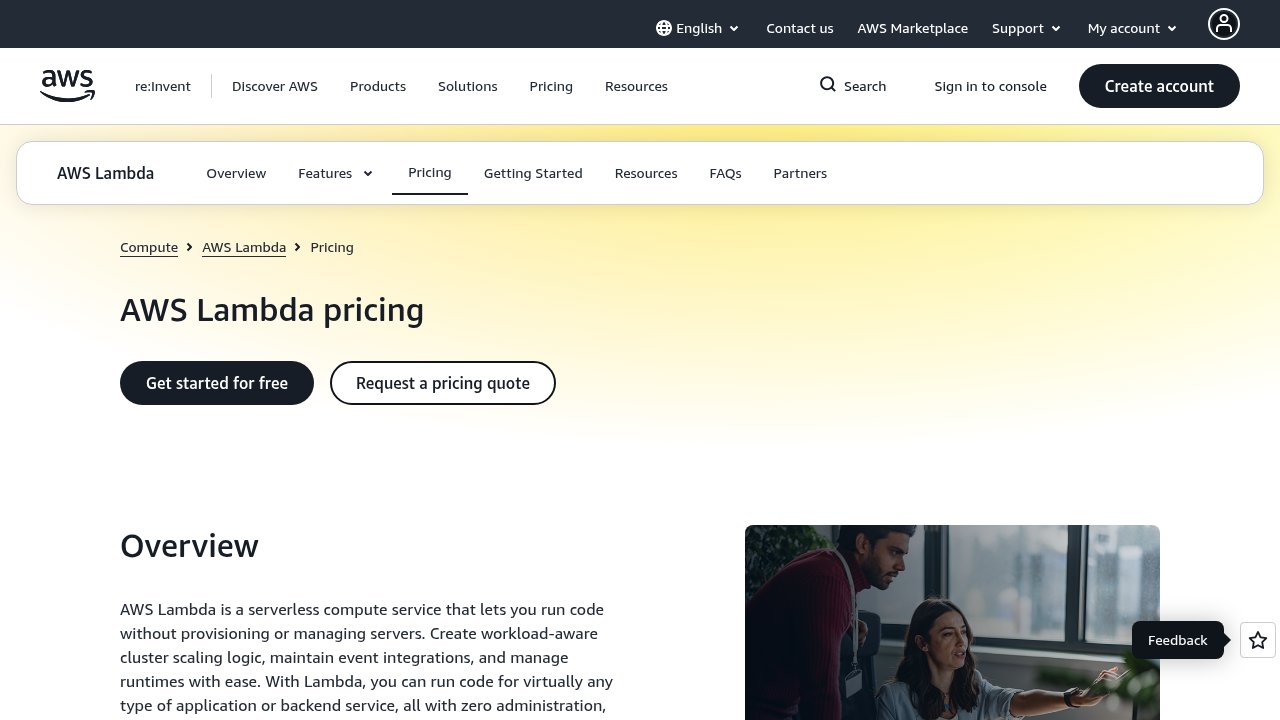 AWS Lambda’s pricing page: the per-call and per-GB-second meters that make up most of the bill.
Worth knowing before you worry: Amazon gives away a slab of usage each month. The first million requests and a generous chunk of compute time cost nothing, so a small project may owe zero until it grows into the paid range.
Why a bigger setting can cost less
Here is the part that surprises almost everyone. The amount of memory you give a function is also the amount of processing power it gets. Ask for more memory and Amazon hands the code a faster slice of a chip. Because the bill is memory multiplied by time, a function set too low can run so slowly that it costs more than the same function given more power and finishing in a fraction of the time. Starve it and it crawls; the cheap-looking setting wins on paper and loses on the invoice.
A small example makes it concrete. Picture a function on the lowest memory setting that takes a full second to do its job, and the same function given four times the memory so it finishes in a quarter of a second. You are now paying four times the rate, but for a quarter of the time, so the two bills land in roughly the same place, except the bigger one finishes nearly instantly and the user never waits. Push it further and the maths often tips the other way entirely: somewhere in the middle the extra speed more than pays for the higher rate, and the total bill actually falls. The starved setting was never the bargain it looked like.
There is a sweet spot in that curve, and it is almost never the smallest setting. It is also not the largest, where you are paying for power the code can’t use. The only honest way to find it is to run the same function at a few different memory levels and compare what each one actually costs, rather than guessing, because the right answer depends on what the code does and shifts from one function to the next. This is the one idea worth carrying out of here: in pay-per-use computing, cheaper and smaller are not the same thing. Once you see that, the rest of the bill stops being a mystery and starts being a set of choices.
The levers that genuinely help
A few other moves pay off, and each is smaller than the memory question but easy to get for free once you know it is there.
Amazon runs two kinds of processor under Lambda, and its own in-house chips cost about 20% less for the same memory while tending to run a touch faster. Switching is usually a single setting. The only thing that bites is software built specifically for the older chip, which has to be rebuilt first, so it is worth testing somewhere safe before flipping the live system.
Then there are those logs, and they deserve a second look because they are the line people forget exists. Every time a function runs, it can write a note about what it did, and those notes are handy when something breaks. The trouble is the default behaviour: most functions are left writing far more detail than anyone reads, and the records are kept forever unless you say otherwise. A chatty function writing a full diary of every call, across millions of calls, can quietly run up a bigger logging bill than the code it is supposed to be watching. The records just accumulate, month after month, for a debugging session that ended long ago. Two calm fixes cover it: tell the system to delete old logs after a couple of weeks, and turn the detail level down in production so it records real problems instead of narrating every step. Neither touches the code, and together they often erase a line that had grown larger than the compute it sat next to.
There is also the temptation to pay for speed. When a function has sat idle, its first run after the lull is a little slower while the environment wakes up, a delay known as a cold start. Amazon will keep environments permanently warm for you so that delay never happens, but it charges for that warmth around the clock whether anyone calls or not. For most workloads that is money spent on idle capacity at three in the morning. Paying to stay warm is a cost, not a saving, and it earns its keep only on a customer-facing feature where that first-run lag is genuinely visible.
A generous time limit is the same kind of quiet leak. A function is often allowed far longer to finish than it ever needs, which costs nothing on a healthy run because you only pay for the time used. It costs you on the bad runs: a stuck call that would have given up in a few seconds now bills for a full minute before it does. Setting the limit close to how long the work really takes turns a runaway into a quick, cheap failure.
The habit that actually saves money
Notice what all of this has in common. Not one of these fixes starts with cutting. Each starts with reading the bill and seeing which line is actually large, because optimizing blind is how you spend an afternoon shaving a few percent off a line that was already small. AWS Lambda cost optimization really comes down to this habit: open the cost breakdown first, find the line that dominates, and aim there. Often the function eating the budget turns out to be one nobody is watching, left running after a test that was meant to be temporary.
And because every optimization decays over time, the last move matters most. Someone raises a limit, a new function ships at the default, an old log group slips back to keeping everything forever. Setting a simple budget alert that warns you at, say, 80% of the month’s expected spend turns the next surprise into an email rather than a quarterly invoice. The tuning is worth doing once. The alert is what keeps it done.

Frequently asked questions
How much can a bill realistically drop?
It depends entirely on which line was bloated to begin with. The two changes that compound, finding the right memory setting and moving to the cheaper chip, commonly take 40 to 60% off the compute line for a function that was never tuned. If logging was the real culprit, trimming it can cut even more in percentage terms. The flat per-request toll barely moves, so the real savings come from compute and logs, not from the calls themselves.
Does giving a function more memory always cost more?
No, and this is the point most people get backwards. You pay for memory multiplied by running time, and more memory buys more processing power, so the work often finishes fast enough that the shorter run cancels out the higher rate. That is exactly why a function set too low can cost more than the same one given more room. The honest way to settle it is to measure a few settings and keep the cheapest, rather than assuming the smallest one wins.
Is the cheaper chip always the better choice?
Almost always, since the same work costs about 20% less on Amazon’s in-house chips and usually runs at least as fast. The exception is software built specifically for the older chip, which has to be rebuilt before it will run on the newer one. Test it somewhere safe, check that the running time doesn’t get worse, and keep whichever combination is genuinely cheaper in practice.
Should I pay to keep code warm to save money?
Usually not. Keeping code permanently warm removes the first-run lag, but it adds cost rather than cutting it, because you pay for that warmth even when no one is calling. Reserve it for a customer-facing feature where the lag is actually noticeable, and schedule it down during quiet hours. For steady, predictable usage, a longer-term spending commitment to Amazon saves money without paying for idle capacity.