Chrome Now Streams HTML Out of Order by Default. Safari and Firefox Are Both on Board.
Chrome 150 updates page sections as their data arrives, without waiting on the rest of the document, no JavaScript required. It's enabled by default.
Since June 30, every Chrome user on desktop, Android, and ChromeOS has had a new HTML capability turned on, no flag, no opt-in, no announcement most of them will ever see. It lets a page display everything that’s ready immediately and fill in the slow part later, in place, without a line of JavaScript. The interesting part isn’t the feature. It’s that Safari and Firefox both signaled they intend to support it too, which is the part that decides whether a browser trick becomes a web platform capability.
The problem this actually fixes
HTML has always loaded top to bottom, in the order it was written. That’s fine until one section is slow: a product gallery calling an uncached API, a comments block waiting on a database query, anything the server can’t hand over instantly. Under the old model, that slow block sits in the document flow and holds up everything written after it, even content that was ready to show a second after the page started loading.
Developers have worked around this for years with JavaScript: fetch the slow data separately, then inject it into the DOM once it arrives. It works, but it means writing manual fetch logic, DOM manipulation, and loading states by hand for something that is, at its core, a very simple idea: show what’s ready, then patch in what wasn’t.
What actually shipped
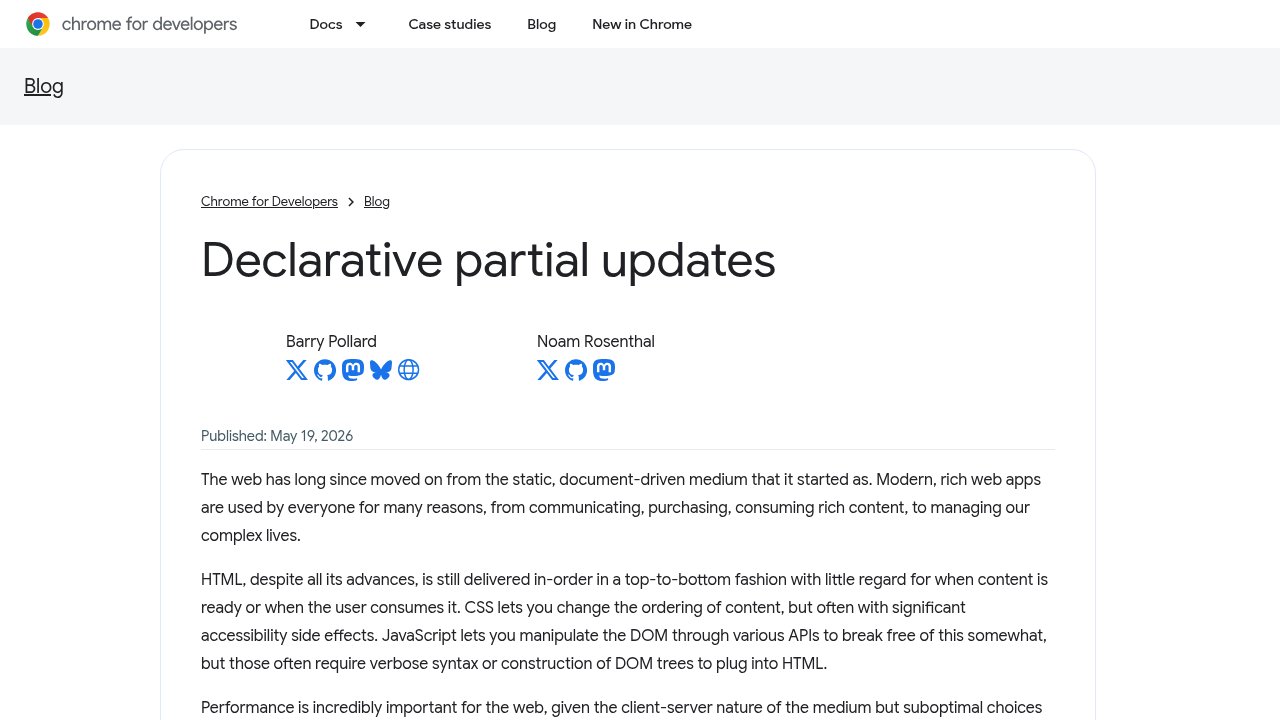
Chrome’s official announcement, published May 19, 2026, laying out the two-part API described below.
Chrome’s engineering team calls the feature Declarative Partial Updates, and it ships in two pieces.
The first lets a page stream HTML out of order without any JavaScript. You drop a marker where content should eventually go, written as a processing instruction: <?marker name="gallery">. Later in the same HTML stream, once the slow content is ready, you send a <template for="gallery"> holding the real markup, and the browser slots it into place. There’s also a placeholder variant, <?start name="gallery">Loading…<?end>, that shows interim content until the real template arrives. None of this requires a script tag. The browser reads the markers and templates as they stream in and does the insertion itself.
The second piece is a set of new JavaScript methods for the cases that do need a script: setHTML(), appendHTML(), prependHTML(), beforeHTML(), afterHTML(), and replaceWithHTML(), plus streaming versions of each (streamHTML(), streamAppendHTML(), and so on) for content that arrives progressively rather than all at once. Each has an *Unsafe variant that skips HTML escaping, for cases where a developer has already sanitized the content and wants to avoid the performance cost of re-escaping it.
It’s already live, which is the part worth noticing
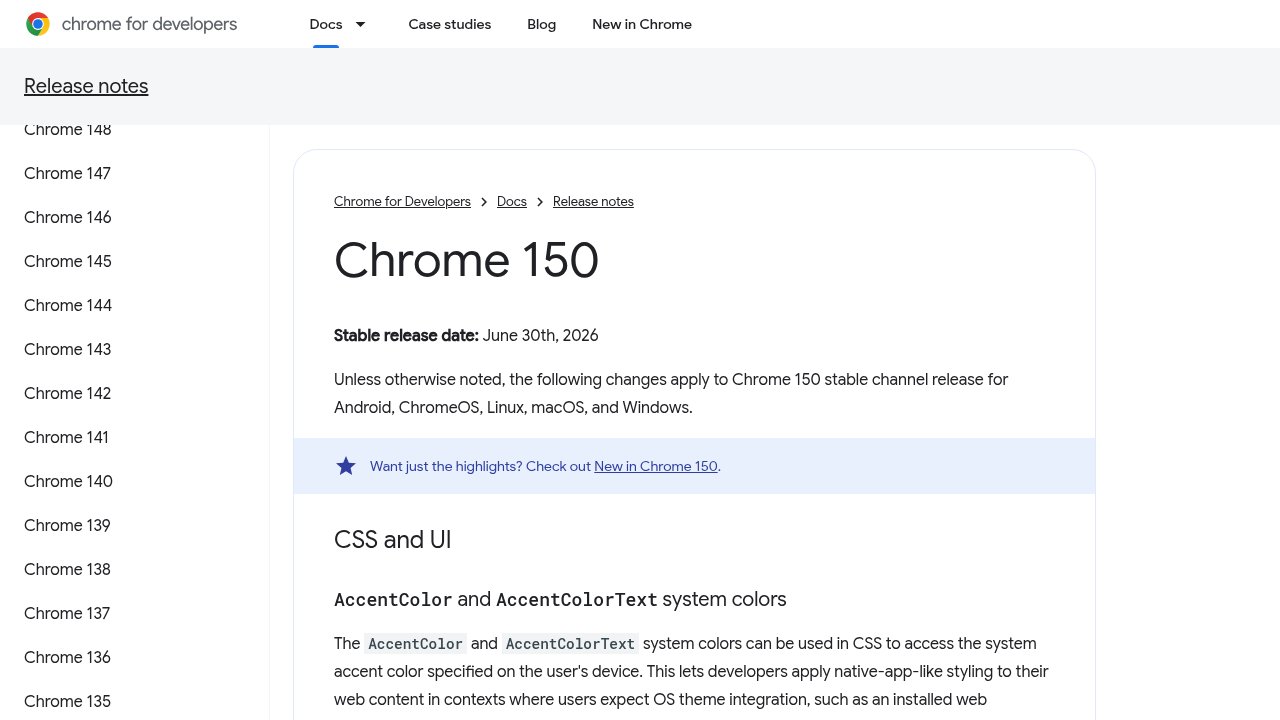 Chrome 150’s official release notes, confirming the June 30, 2026 stable date and listing out-of-order streaming among the shipped DOM and HTML changes.
The feature moved fast by browser-standards timelines. It reached developer testing behind a flag in Chrome 148, in May. By Chrome 150, which went stable on June 30, it was enabled for everyone, no flag required. Chrome’s own release notes for version 150 list it directly: support for <template for> and the processing-instruction ranges (<?marker>, <?start>, <?end>) that “update existing parts of the document without JS.”
That pace came with real testing behind it, not just a quiet flip. The Chromium team ran the change through a 50% Finch trial on the beta channel before promoting it to stable, and it’s covered by the shared web platform test suite that browser vendors use to check cross-engine compatibility. One genuine risk got specific attention during that process: processing instructions are an old, mostly unused corner of HTML, and reviving them for a new purpose risked colliding with whatever rare legacy content already used that syntax. The mitigations that shipped: disallowing the specific instruction names and characters that existing content was found to rely on.
The part that matters more than the ship date
A single browser adding a feature is routine and, on its own, not news. What makes this one different is who else is behind it. WebKit, the engine behind Safari, has stated its support for out-of-order streaming. Mozilla’s Gecko team has an open, favorably-framed standards position on it too, phrased as “proposed support” rather than a firm commitment, but without the pushback that sinks most Chromium-originated proposals before they go anywhere. Three independent browser engines converging on the same mechanism is what turns a Chrome trick into a durable piece of the web platform, the difference between a capability developers can build on for the next decade and one that quietly gets deprecated once Chrome’s team moves on to the next idea.
Who this actually helps
The honest caveat, and the one easiest to skip in a feature announcement: this only helps sites where the server can finish rendering some sections before others. A classic server-rendered site, the kind where a framework fetches every piece of data up front and then renders one complete page, has nothing to stream late. There’s no slow block sitting apart from the rest, because everything was already fetched before the HTML started generating.
The benefit is concentrated in component-oriented architectures: React Server Components, Next.js-style streaming SSR, or any setup where independent page sections can resolve on their own schedule. Chrome’s own examples lean the same way: island-architecture pages where one widget is slower than the rest, content that depends on a database call finishing, prioritizing above-the-fold HTML while a secondary block trails behind, single-page-app-style navigation updates without shipping a routing framework, and injecting shared elements like a footer after the main content has already rendered.
Where this leaves you
Nothing about this requires an immediate decision. If your stack already generates HTML in independent, asynchronously-resolving pieces, this is worth testing now, since the syntax is small enough to prototype in an afternoon and the fallback for browsers without support is simply not using it. If your stack is a traditional server-rendered site that assembles one page from one data fetch, there is no urgency: the feature has nothing to offer that architecture, and that won’t change until the architecture does.
FAQ
Do I need to enable a flag to use this in Chrome?
No. It shipped enabled by default in Chrome 150, which reached the stable channel on June 30, 2026. The earlier flag-gated version was only necessary during developer testing in Chrome 148.
Does this work in Safari and Firefox yet?
Not yet in shipped, stable form, but both engines have taken positive standards positions. WebKit has stated support for out-of-order streaming, and Mozilla’s Gecko team has an open, favorable position on it. Treat it as a capability with real cross-browser momentum, not a Chrome-only feature, but confirm actual support in each engine before relying on it in production.
Do I need JavaScript to use this?
Not for the basic case. The <?marker>/<template for> pattern for out-of-order streaming works with plain HTML. JavaScript is only required for the newer dynamic-insertion methods, like setHTML() or streamAppendHTML(), which cover cases like updating content after the initial page load without a full navigation.
Will this replace frameworks like React or htmx for this kind of thing?
Not immediately, and not entirely. It replaces some of the manual plumbing developers currently write by hand or reach for a library to handle, but frameworks add data fetching, state management, and component models this feature doesn’t attempt to solve. It’s a platform primitive frameworks can build on top of, not a framework replacement.
Is there a real performance benefit, or is this mostly a developer-convenience feature?
Both. The convenience is real: no more hand-rolled fetch-then-inject JavaScript for the basic case. The performance benefit is also real but architecture-dependent: it only helps when a page has genuinely independent sections that resolve at different speeds, which is common in component-based frameworks and largely absent in traditional single-fetch server rendering.