Vector Databases: When You Need One, and Which to Pick
How vector databases work, when the database you already run is enough, and which of the six big options to choose.
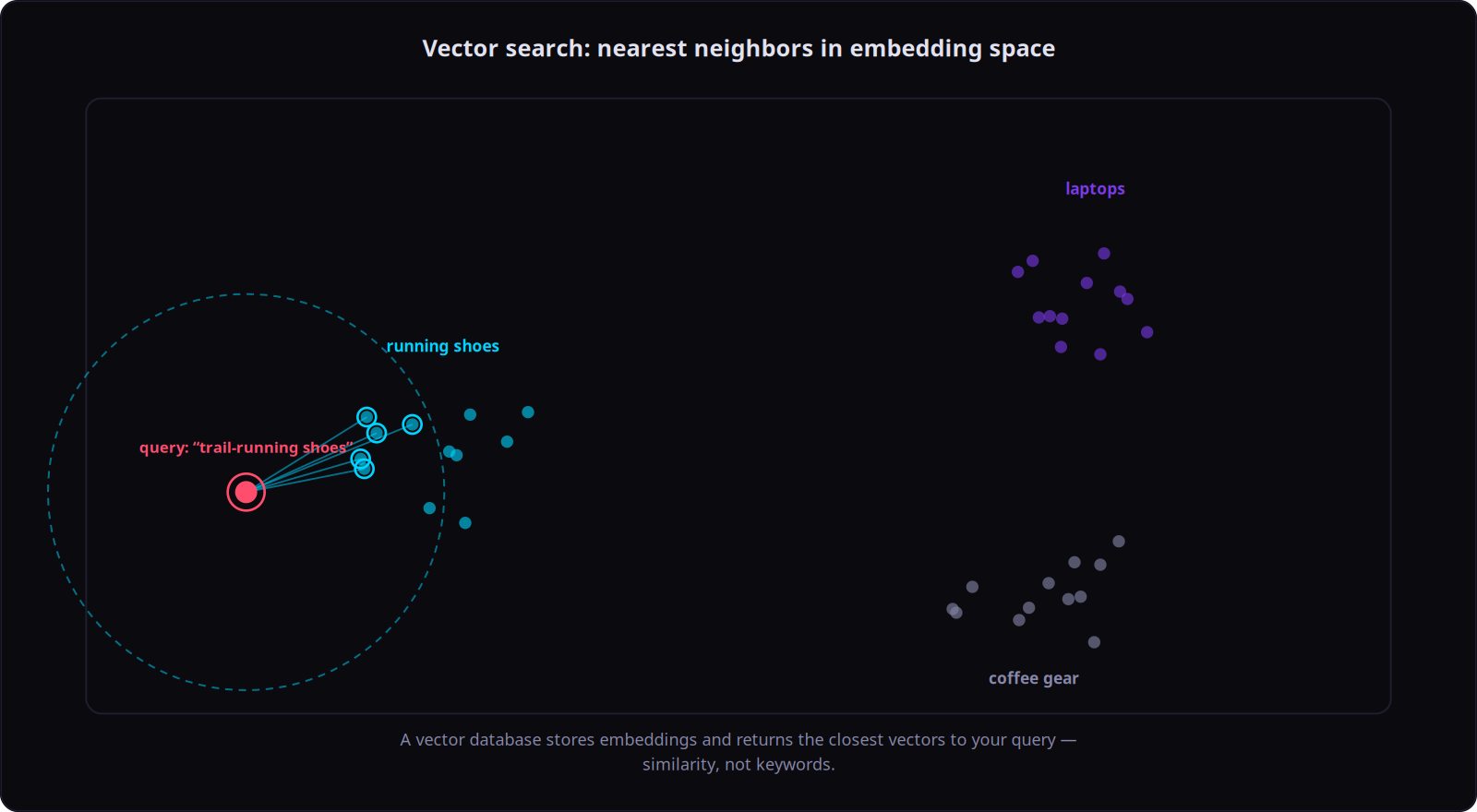
Searching by meaning: a vector database finds the entries closest to your question
When you build an AI feature that answers from your own documents, you have to decide where those documents live so the software can find the right ones fast. That storage layer is called a vector database, and the most common and most expensive mistake teams make is reaching for a specialized one before the project actually needs it. Here is what these tools really do, when the database you already run is enough, and how to choose among the six worth your time: Pinecone, Weaviate, Qdrant, Milvus, Chroma, and pgvector.
What a vector database actually does
An ordinary search matches words. You type a term, it returns the rows that contain that term. A vector database matches meaning instead. When you add a document, it runs the text through an AI model that turns it into a long list of numbers, a kind of coordinate for the idea the text expresses. Two passages about the same topic end up with nearby coordinates even when they share no words. Searching, then, means finding the coordinates closest to your question.
This is the engine behind the AI features that answer from your own content: support bots that quote your help pages, search that treats “how do I cancel” and “end my subscription” as the same request. The pattern has a name, retrieval, where the model reads the most relevant passages you pulled from storage before it writes its answer, so it draws on your data instead of guessing.
The one idea worth keeping
The search math is close to a solved problem. Almost every option uses the same family of techniques to find the nearest matches quickly, so head-to-head speed benchmarks rarely decide anything for a real project. What separates these tools is not how they search but how much of your operation they take over: whether you run the software or rent it, how it behaves when you search only a slice of your data, and how much maintenance lands on your team.
And here is the quiet truth underneath the whole comparison. Most teams stand up a dedicated vector database long before they have enough data to need one. If your application already keeps its data in an everyday database, you can very likely add meaning-search to that same database and never run a second system. Start there. Add a specialized tool when you hit a real wall, not in anticipation of one.
Three things that actually decide the choice
Do you run it or rent it. Some of these you install and operate yourself on your own servers. Others are a service you pay for and never see the machinery behind. Renting buys freedom from maintenance and a monthly bill. Running it yourself is usually cheaper at large, steady scale, but then every backup, upgrade, and outage is yours.
How it handles a filtered search. In real use you rarely search everything at once. You search within one customer’s documents, or only the recent ones. Combining that kind of filter with a meaning-search is trickier than it sounds, because a careless filter quietly throws away good results. Tools that apply the filter during the search, rather than after it, return far more reliable results under heavy filtering, which becomes the normal case once many customers share one system.
How much you have to babysit it. Backups, spare copies for safety, access control, monitoring: a rented service hands you most of this, while running your own means building it. This is the cost that never shows up on the invoice.
The six options
pgvector: the one you may already have
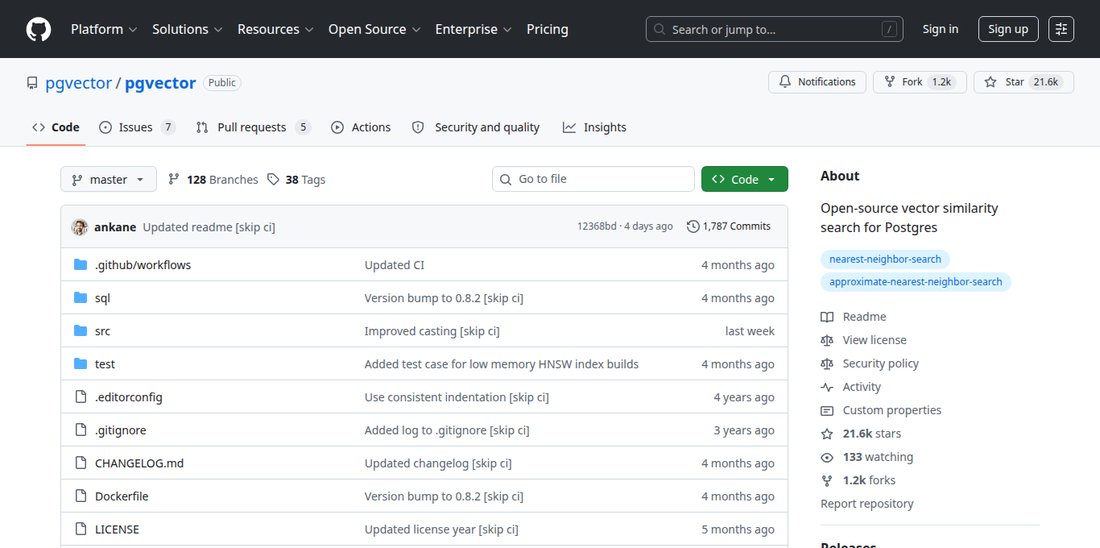
The pgvector GitHub repository
pgvector is not a separate database at all. It is an add-on for PostgreSQL, the everyday database that millions of applications already run. Switch it on and your existing database gains meaning-search alongside everything it already does. Your documents stay in one place, backed up by the same process, searched with the same queries, and you can combine a meaning-search with an ordinary filter (“only this customer, only active accounts”) in a single request. For data you already own, that is the option with the fewest reasons to add anything new. It does have a ceiling: at very large scale, or when heavy search traffic starts competing with your application’s normal work, a purpose-built engine pulls ahead. Most projects never reach that ceiling.
Pinecone: rent it, forget it
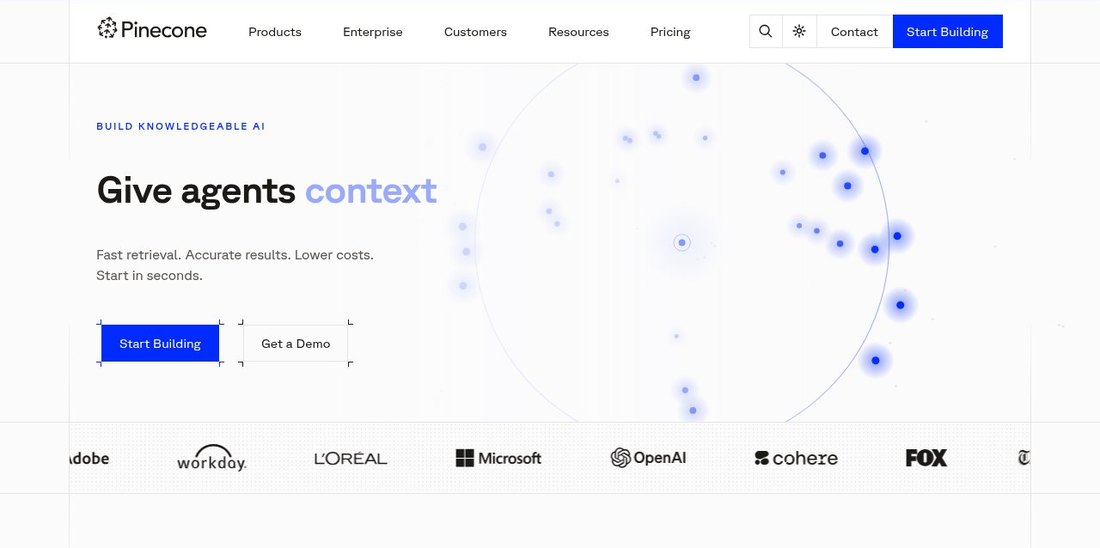
Screenshot of the Pinecone website
Pinecone is for teams that want storage to be someone else’s problem. There is nothing to install and nothing to maintain; you call it through an interface and it scales itself. That convenience is the whole pitch, and the trade-offs follow from it. You cannot run Pinecone on your own hardware, which rules it out wherever data must stay in-house for legal or security reasons, and at large steady scale you pay more than you would running your own. It is the lowest-effort choice here, and you pay for that in money and control.
Qdrant: the solid self-run default
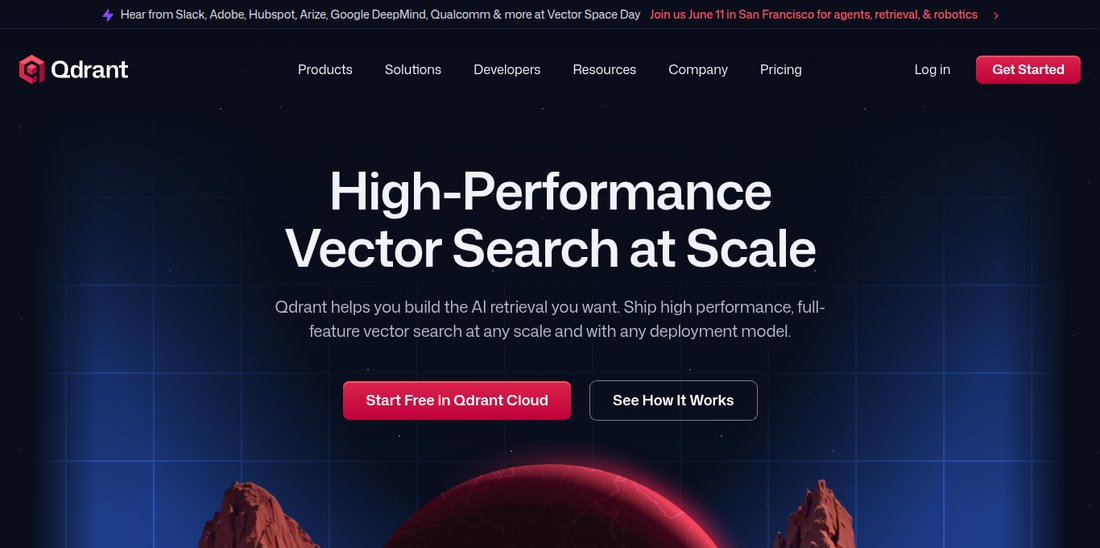
Screenshot of the Qdrant website
Qdrant is built to be installed and run yourself, with a paid hosted version for when you would rather not. Its strength is exactly the filtered search described above: it applies your filters during the search, so results hold up even when almost every query is scoped to a single customer. For a team that wants to run its own dedicated search engine, Qdrant is the safe default, fast, predictable, and not much to operate. It focuses on doing one job well rather than bundling extra features, which for most teams is the point.
Weaviate: when exact words still matter
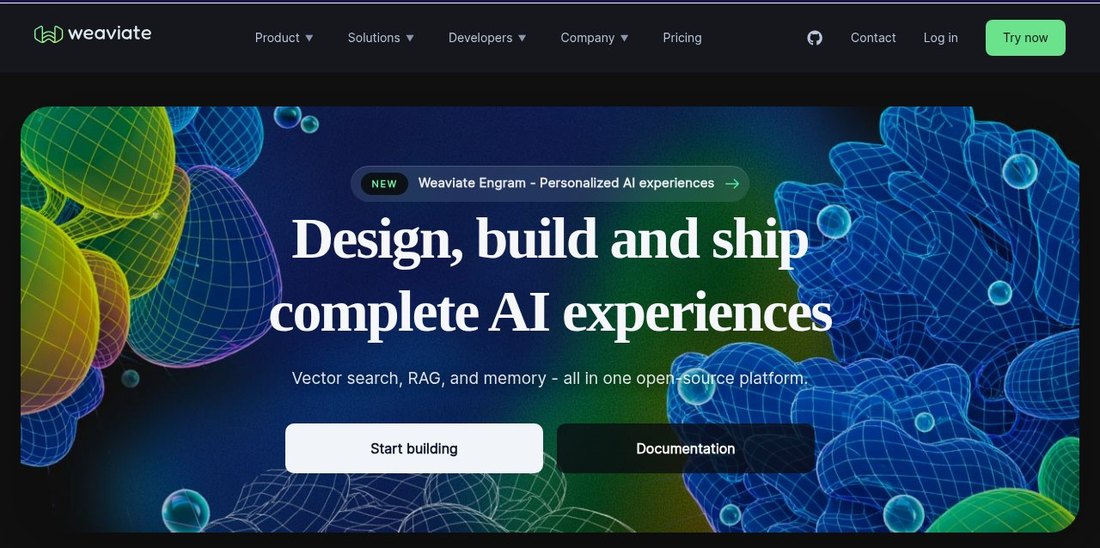
Screenshot of the Weaviate website
Meaning-search has a blind spot: product codes, names, and acronyms, where the exact string is what counts and “close in meaning” is useless. Weaviate’s signature is hybrid search, which blends meaning-search with old-fashioned exact-keyword search so both kinds of relevance count. If your content is full of model numbers or proper names that have to match precisely, that combination is a genuine advantage. The cost is a larger system with more concepts to learn when you run it yourself.
Milvus: built for genuine huge scale
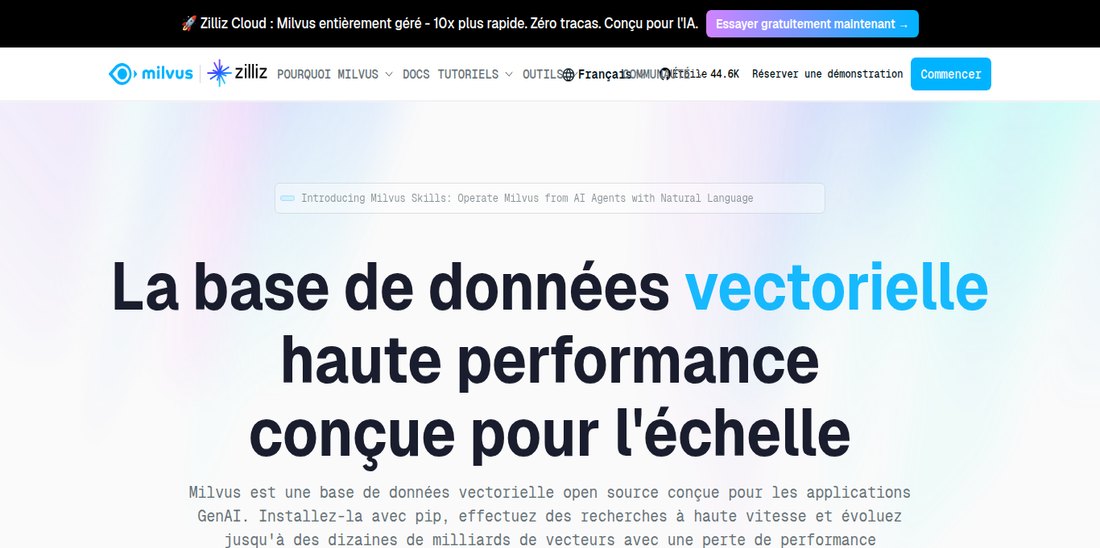
Screenshot of the Milvus website
Milvus is designed for collections that reach into the billions of items, the scale of a large company standardizing one search system across many products. It splits its work across independent layers so each can grow on its own. That power is also its catch: running it yourself means operating a real distributed system, which is overkill below the scale it targets. Its makers offer a hosted version, Zilliz Cloud, so you can get the scale without running the cluster yourself. Reach for Milvus only when you have genuinely outgrown a single machine. Below that, simpler options serve you better and cost less.
Chroma: for the first prototype
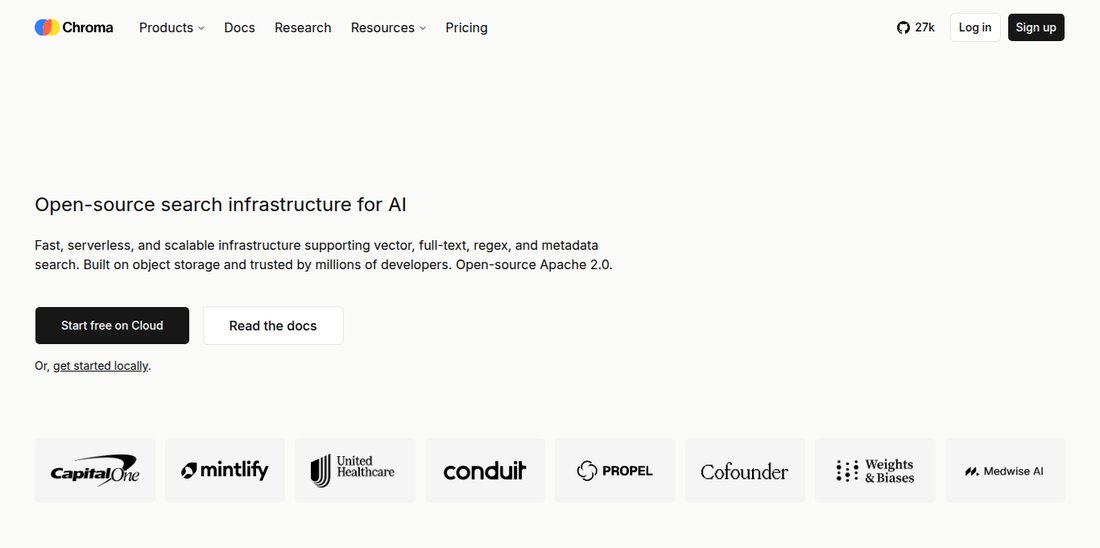
Screenshot of the Chroma website
Chroma exists to get you from nothing to a working demo in minutes. It is the natural choice while you are still experimenting, on your laptop or in a notebook. It has grown more production features over time, but most teams reach for it precisely because they are early. Start on Chroma to prototype, then plan the move to a sturdier engine on purpose, before real traffic forces the issue.
At a glance
| Tool | How you use it | Best for | Main limitation |
|---|---|---|---|
| pgvector | Add-on to a PostgreSQL database you already run | Teams already on Postgres, low to mid scale | Reaches a ceiling at very large scale and heavy traffic |
| Pinecone | Rented service, nothing to maintain | Shipping fast with zero maintenance | No self-hosting; costs more at large scale |
| Qdrant | Run it yourself, hosted version available | Self-run search with heavy filtering | Focused engine, fewer bundled features |
| Weaviate | Run it yourself, hosted version available | Content where exact keywords must match | Larger system to learn and operate |
| Milvus / Zilliz Cloud | Self-run distributed system, or hosted | Billions of items, company-wide standard | Heavy to operate; overkill below huge scale |
| Chroma | Runs on your machine or as a light server | Prototypes and early experiments | Plan a move before production traffic arrives |
Prices change constantly, so the table stays general on purpose. The durable economics are structural: a rented service trades a recurring bill for near-zero maintenance; running open-source software yourself is usually cheaper at large steady scale but costs engineering time; and adding meaning-search to a database you already run is typically the cheapest of all, because it adds no new system to your bill.
How to choose
If your data already lives in PostgreSQL and you have up to a few million items, start with pgvector. It is the simplest path and often the last one you will need. If you want a dedicated engine you run yourself, pick Qdrant for its balance of speed, reliable filtering, and low upkeep. If you want zero maintenance and will pay for it, pick Pinecone, accepting that you cannot run it in-house. Choose Weaviate when exact-keyword matching is central, Milvus (or its hosted Zilliz Cloud) only at genuine billion-item scale, and Chroma for early prototypes.
The mistake to avoid is over-building: pick the smallest system that covers your real needs today, and let actual limits, not benchmarks, tell you when to upgrade.
And before any of this, it is worth asking whether you need a vector database at all. If you are weighing whether to bake your knowledge into the AI model itself, that is a separate decision covered in our practical guide to fine-tuning versus retrieval; most teams who reach for fine-tuning actually want retrieval, which is exactly what these tools provide.

FAQ
Do I need a dedicated vector database, or is pgvector enough?
For up to a few million items, especially when your data already lives in PostgreSQL, pgvector is usually enough and keeps everything in one system you already operate. You can combine a meaning-search with ordinary filters in a single query, and your documents are backed up and secured exactly like the rest of your data. Move to a dedicated engine only when you reach very large scale or need features pgvector does not offer.
Should I rent a managed service or run my own?
Renting (Pinecone, or the hosted versions of Qdrant, Weaviate, and Milvus) trades a recurring cost for almost no maintenance, which is the right call when engineering time is scarcer than budget or you need to ship quickly. Running an open-source engine yourself is usually cheaper at large steady scale and gives you full control, including keeping data entirely in-house, but you own the backups, scaling, and upgrades.
Which option is cheapest at small scale?
Usually pgvector, because it adds no new service to your stack. If you already pay for PostgreSQL, the meaning-search rides along at little extra cost. Among dedicated options, running an open-source engine on a small machine is cheap in money but costs attention, while several vendors offer free starter tiers that cover early development before usage billing kicks in.
Which ones handle exact-keyword search as well as meaning?
This blend is called hybrid search, and it matters when product codes, names, and acronyms have to match precisely alongside meaning. Weaviate has the most polished version of it, Qdrant supports it, and Milvus offers it too. If your content is full of strings that must match exactly, favor a tool that does this well.
Are the open-source options ready for production?
Yes. Qdrant, Weaviate, and Milvus all run serious production workloads, each with a hosted version from the same vendor if you would rather not operate them. Chroma is open-source too but is best treated as a prototyping starting point, with a planned move once production traffic arrives. pgvector, as a PostgreSQL add-on, inherits the maturity of PostgreSQL itself.