Running AI on Your Own Machine: Speed or Size, Pick One
Want to run AI privately on your own desktop? You choose a fast machine or a roomy one. Here is how to pick without overpaying.
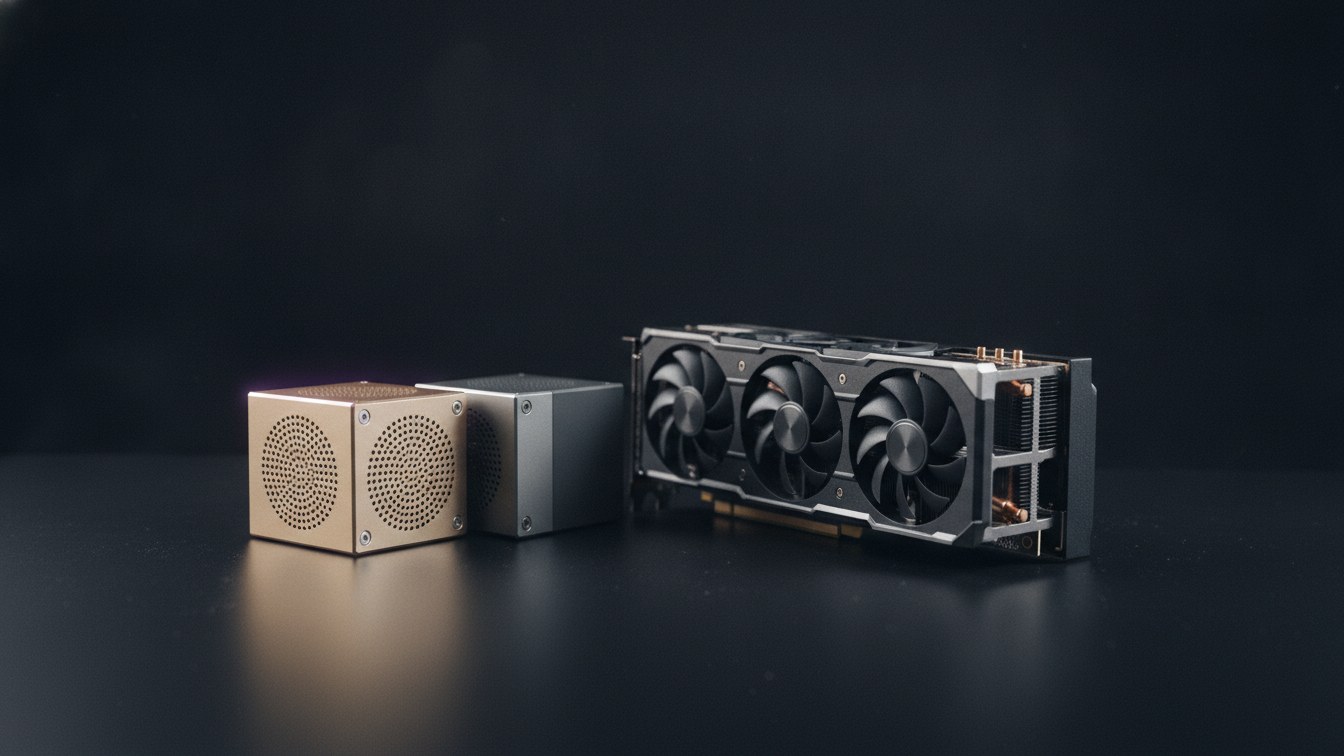
More people want to run AI models on their own computer instead of sending every question off to a cloud service. The appeal is easy to understand: your data stays on your desk, you pay once instead of paying per use, and you own the tool rather than rent it. The trouble starts the moment you go shopping, because the comparison repeated everywhere, the DGX Spark versus the RTX 5090, two machines from NVIDIA, sets you up to ask the wrong question. These two machines were not built to do the same job. One is built for speed and the other for room, and no amount of money lets you skip that choice.
That single trade-off is the thing worth understanding, and it will still be true long after today’s prices and product names have changed.
The choice you cannot dodge
An AI model is, in plain terms, a very large file of numbers that the machine has to hold in its memory to use. Two things about that memory decide everything else.
The first is how much the machine can hold at once. This decides which models fit at all. A model that is too big to load simply will not run, the way a film that is too long for a disc will not fit no matter how patient you are.
The second is how fast the machine can read what it holds. This decides how quickly you get your answer once a model does fit. To produce each word of a reply, the machine has to read through that whole file of numbers, so the faster it reads, the faster the words appear on screen.
Here is the catch that drives the entire decision. The parts that give a machine lots of room and the parts that let it read very fast are not the same parts, and they are rarely cheap at the same time. So manufacturers lean one way or the other. You end up choosing between a machine that is fast but cramped, and a machine that is roomy but slower. Understanding which one you actually need is what saves you from overpaying.
The fast machine
The RTX 5090 is a graphics card, a part you install inside a PC, not a complete computer on its own. It carries 32 gigabytes of very fast memory. For any model small enough to fit in that space, it answers faster than you can read, which is exactly what makes a local AI feel like a real tool rather than a slow experiment. If your work lives in small to mid-sized models, the kind that power most coding helpers, chat assistants and private search over your own documents, this is the obvious pick and nothing here comes close on responsiveness.
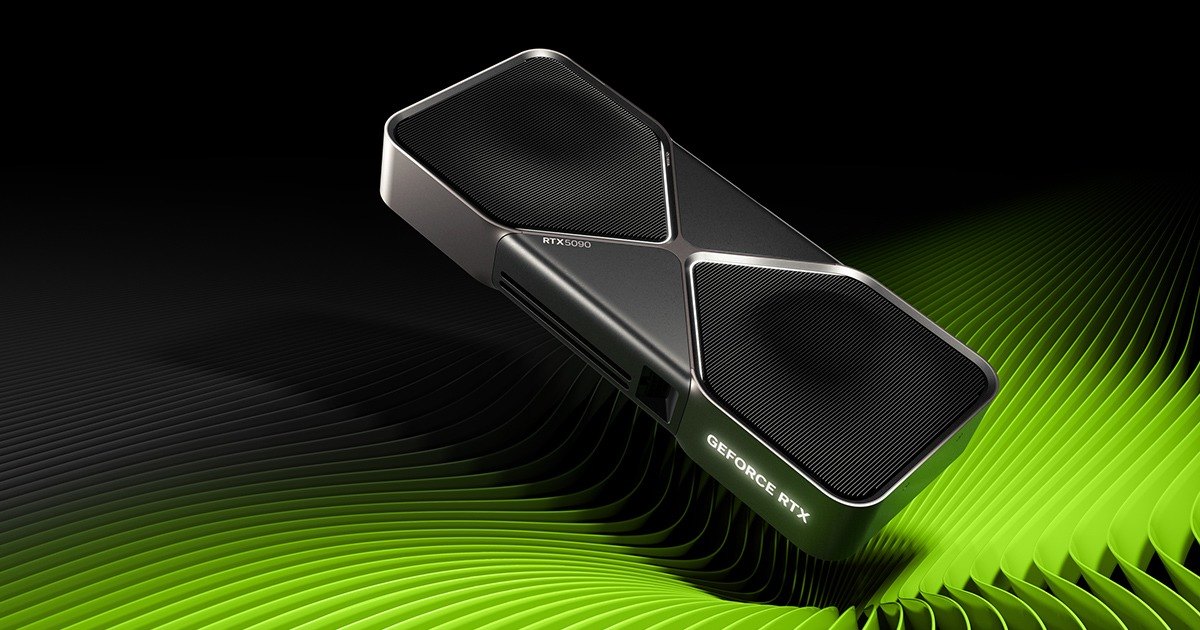
Two practical points come with it. First, because it is only a card, you build a computer around it, with a power supply and cooling stout enough to feed a hungry, hot component. Second, the price is a moving target. It launched at around two thousand dollars, but memory shortages have pushed real shop prices well above that, so budget for the card you can actually buy today, not the headline number.
The hard limit is that 32 gigabytes. Cross it and the card does not slow down gracefully, it falls off a cliff, because the overflowing part of the model spills into much slower memory and every word now waits on the slow lane. There is no clever setting that rescues you from this. If your model fits, the 5090 is wonderful. If it does not, the 5090 is the wrong machine, full stop.
The roomy machines
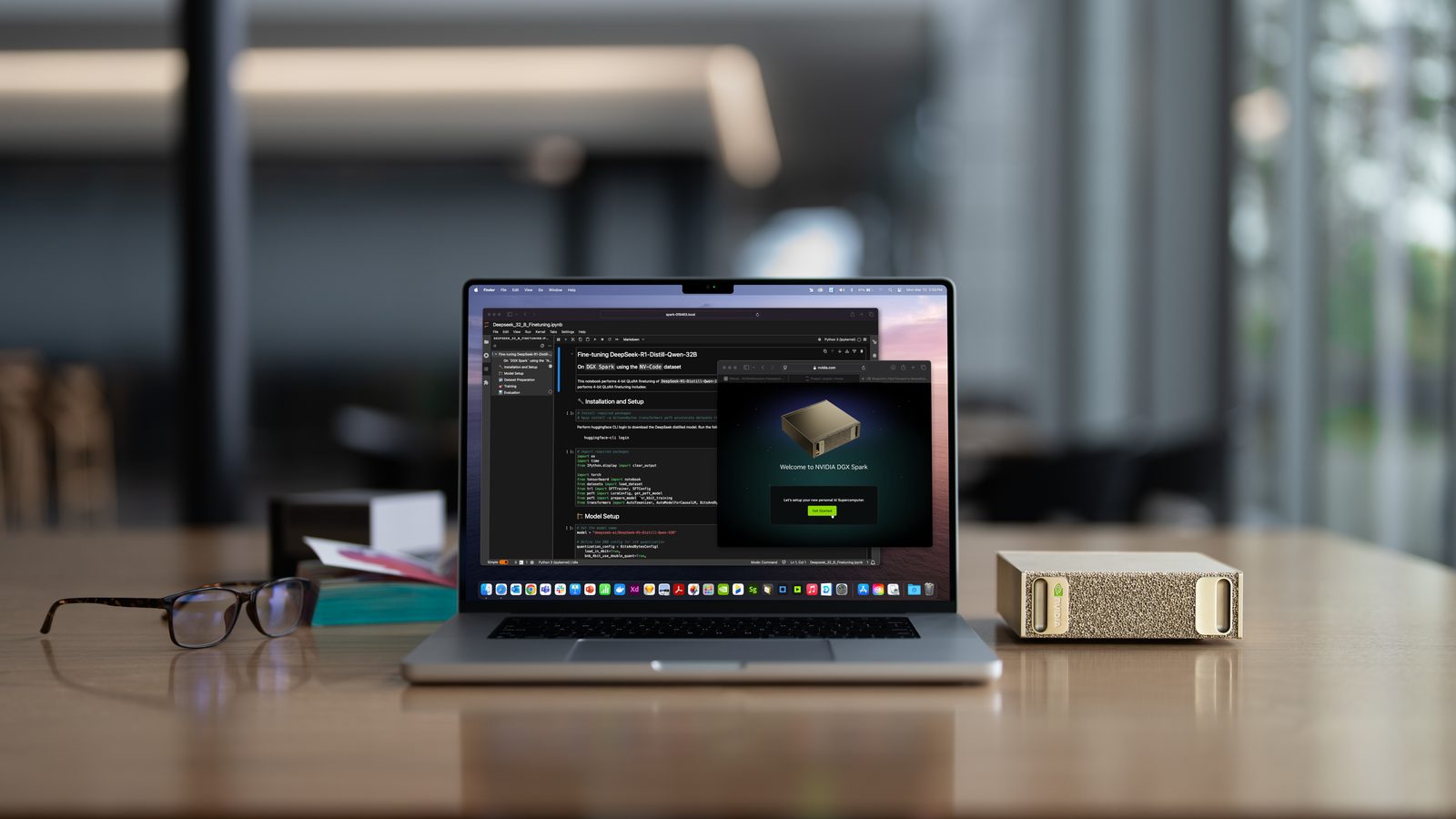
The DGX Spark is the opposite bargain. It is a complete little computer, and it carries 128 gigabytes of memory shared across the whole system, four times the room of the graphics card. That lets it hold very large models that fit nowhere else on a single home device. The price you pay is speed: the same reading limit that helps the 5090 fly works against the Spark, so its answers arrive at a steady walking pace rather than instantly. That is fine for work you set running and come back to, and it makes the machine genuinely useful for tweaking a model on your own data, a job that needs room more than raw speed.
Now the detail the head-to-head reviews keep leaving out, and it is the most useful thing in this whole article. The ASUS Ascent GX10 uses the exact same NVIDIA chip and the same 128 gigabytes as the Spark, for noticeably less money. On the one thing that sets how fast a model runs, the two are identical twins. What the higher price of the Spark buys you is not more speed: it is more built-in storage, a sturdier case, and full manufacturer support. The GX10 trims those to hit a lower price, most visibly by shipping with less storage on its cheapest version. Dell sells a close cousin in the same family that splits the difference, with generous storage and proper support at a middle price.
So the honest framing is not three rivals. It is one fast machine, and one roomy engine sold in a few trims at different prices. Pick the trim that matches how self-sufficient you are: the value version if you happily manage your own backups and support, the premium version if you would rather the machine just be looked after.
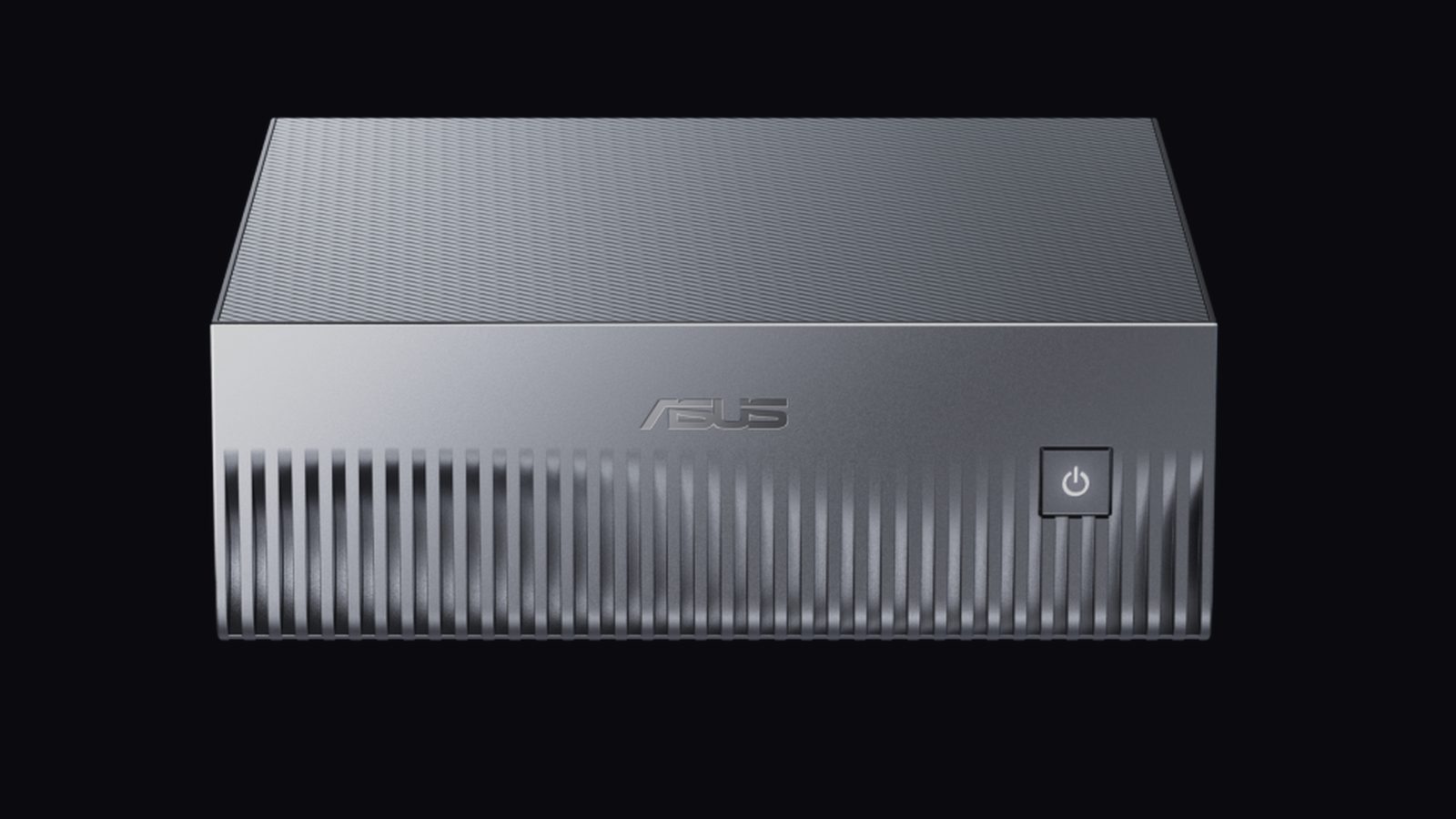 The ASUS Ascent GX10 carries the same chip and memory as the pricier DGX Spark.
How to choose, in one move
Forget the brand names for a second and match the machine to the size of model you actually run. If your work fits comfortably in the smaller, faster memory, buy the fast card and enjoy answers that feel instant. If you genuinely need the very large models, buy the roomy machine and accept the patient pace as the price of running them at home at all.
The one combination that never makes sense is buying a roomy machine to run small models. You would pay more for a fraction of the speed. Buy room only when you truly need it, and if you can already see your models fit the fast card, that is the whole decision.
| RTX 5090 | DGX Spark | ASUS Ascent GX10 | |
|---|---|---|---|
| What it is | A graphics card you add to a PC | A complete small computer | A complete small computer |
| Memory | 32 GB, very fast | 128 GB, shared, slower | 128 GB, shared, slower |
| Best at | Speed on models that fit | Holding very large models | The same, for less money |
| Largest model | Small to mid-sized | Very large | Very large |
| Answer speed | Instant | Patient | Patient |
| Price tier | Card only, varies | The premium option | The value option |
If you go the fast route and want a fully private setup, pairing the card with a local search layer from our comparison of the best vector databases in 2026 gives you quick answers over your own files without anything leaving the machine. If you go the roomy route to adjust a model on your own data, our practical fine-tuning guide maps cleanly onto this kind of hardware.
Should you wait for the next generation?
There is always a next generation. NVIDIA has already pointed at future chips meant to give both more room and more speed at once, which would soften the very trade-off described here. That is real, and it is also beside the point for a buyer today. Waiting for unreleased hardware is how you never buy anything, because something better is always a year out. If you need a very large model on your desk this quarter, the roomy machines do it now. If your work fits the fast card today, nothing on any roadmap changes that. Buy for the work in front of you.

Frequently Asked Questions
Is the DGX Spark faster than the RTX 5090?
For any model small enough to run on both, no. The RTX 5090 reads its memory several times faster, so it produces answers several times quicker. The Spark only comes out ahead on models too large for the 5090 to hold at all. There, the card cannot run them, so the Spark’s slow-but-possible beats the 5090’s fast-but-impossible.
Should I buy the ASUS Ascent GX10 instead of the DGX Spark?
If you are comfortable managing your own machine, usually yes. It has the same chip, the same 128 gigabytes and the same speed for clearly less money. What you give up is built-in storage and hand-holding support. Choose the Spark instead if you want more storage out of the box, a sturdier build, or full manufacturer backing.
What size of model can each one run?
The RTX 5090 comfortably runs small to mid-sized models within its 32 gigabytes. The Spark and the GX10, with four times the memory, run very large models that will not fit on a single graphics card, though more slowly. The right machine is the one that holds the size of model you actually use.
Do I need a whole PC for the RTX 5090?
Yes. It is a graphics card, a part you install inside a computer, and it needs enough power and cooling to match. The DGX Spark and the Ascent GX10 are complete computers that work out of the box, with no building required.
Is running AI locally even worth it compared with the cloud?
It depends on what you value. Running locally keeps your data on your own machine and turns a per-use fee into a one-time purchase. The cloud costs little upfront and gives you access to the very largest models without buying anything. Local makes sense when privacy, steady heavy use, or full control matter more to you than convenience.